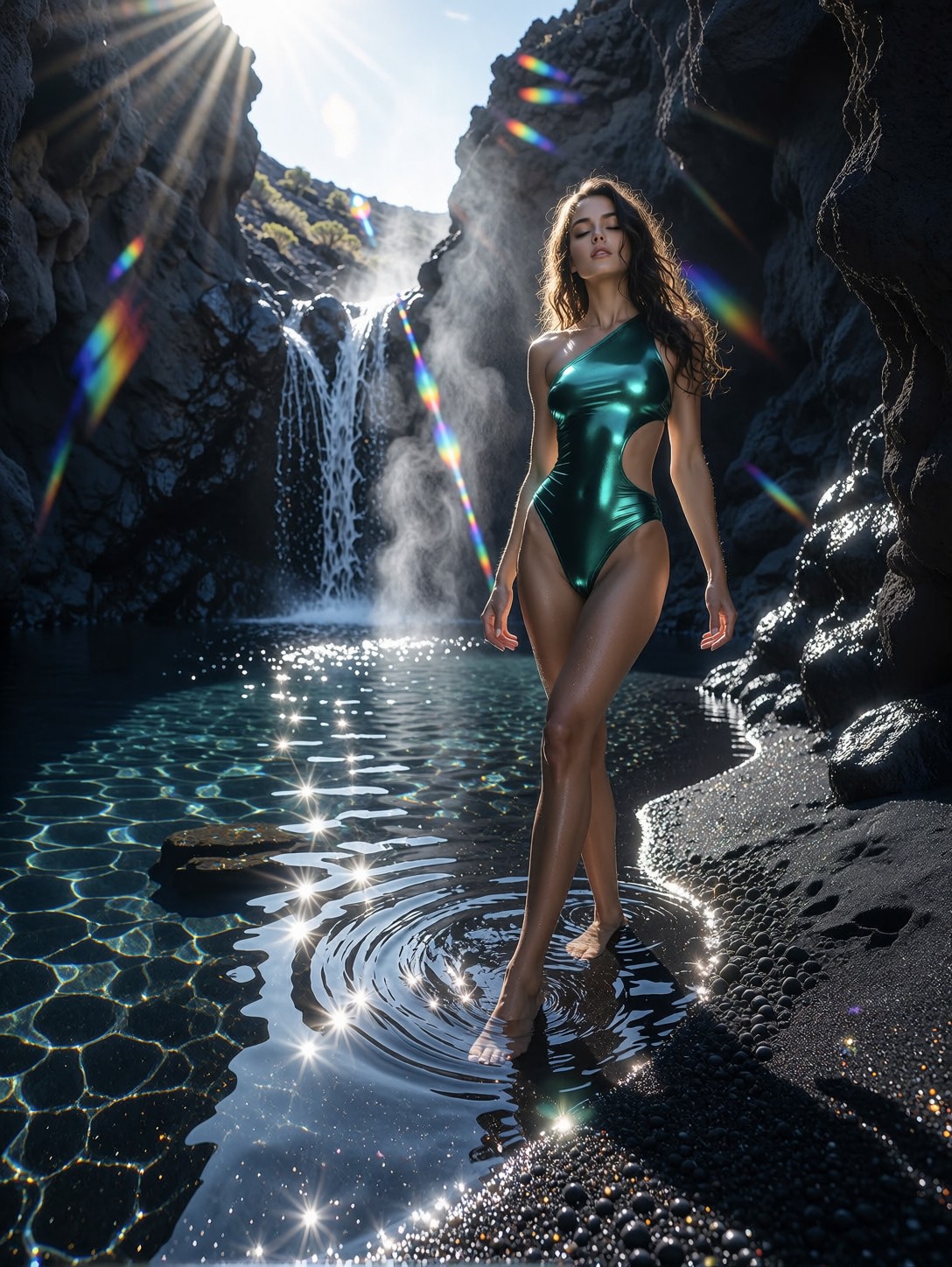
Golden Hour, Glass Underfoot, and One Second of Motion
A runner crossing a transparent bridge at sunset is a collision of two things AI photography prompts usually struggle with: motion and reflection. The prompt solves both with camera language — motion blur confined to the ponytail, sharp focus locked on the face, and the Sony A9 II's signature 1/800 sec shutter to justify that split. Z-Image Base reads these photographic cues literally, so the hair streaks while the eyes stay crisp.
Meanwhile the glass walkway does double duty: it reflects the pink tank top from below and lets sun flare bleed through from behind. The city skyline dissolves into warm bokeh at 200mm, giving the whole frame that compressed, editorial sports-photography look.
Fitness Brands, Editorial Spreads, and Lifestyle Ads
Athletic wear campaigns, running club social content, and magazine fitness features are the obvious homes for this image — it reads like a real commissioned shoot, not an illustration. The golden hour warmth also works for wellness branding and motivational content.
Stick to 3:4 portrait or 4:5 for social feed crops; the vertical framing keeps the skyline behind and the stride in frame. Avoid wide landscape ratios — the 70-200mm compression loses its telephoto punch and the subject shrinks against the city.
Settings for Z-Image Base — Photorealism Needs Restraint
Z-Image Base is built for exactly this kind of high-fidelity photorealism, but it rewards understated settings. Push guidance too high and natural skin tones turn plasticky — the opposite of what a realism prompt needs.
- CFG / Guidance:
3.0–3.5— low guidance preserves natural skin texture and honest golden hour color - Steps: 30 for maximum quality; 12 is enough to preview the composition and flare placement
- Resolution:
1080×1440(3:4) for the running portrait;1080×1350(4:5) for feed-ready crops
Keep the camera spec in the prompt — "70-200mm f/2.8" tells Z-Image Base to compress the skyline and melt the background into bokeh. Remove it and the city renders distractingly sharp.
Five Ways to Push the Runner Further
5 Targeted Variations for This Golden Hour Run
- Flip the time of day: Swap "golden hour" for "blue hour, city lights glowing" — the flares become cool reflections and the mood shifts from triumphant to moody and cinematic
- Change the weather: Add "light rain, wet glass, droplets on the bridge" — the reflective surface doubles in complexity and the tank top gains realistic cling and sheen
- Swap the environment: Replace "glass pedestrian bridge" with "rooftop helipad above the skyline" — removes the reflections but adds vertigo and a cleaner silhouette against the sun
- Push the motion harder: Change "1/800 sec" to "1/250 sec, panning shot" — the whole background streaks horizontally while the face stays sharp, a classic sports photography technique
- Shift the palette: Change "light pink tank top" to "neon coral crop top and reflective sunglasses" — pushes the image from editorial realism toward bold fitness-advertising energy
Two Prompts Ready to Generate
Both examples below apply variations from the list above, tuned for Z-Image Base at the recommended settings.
Variation: panning motion blur — slower shutter turns the skyline into streaks while the face stays locked in focus
Realism. A young athletic woman with a ponytail runs across a glass pedestrian bridge at golden hour, light pink tank top, black leggings, panning shot, 1/250 sec, skyline streaked with horizontal motion blur, sharp focus on her face, sun flare through the glass, Sony A9 II, 70-200mm f/2.8, natural light, 8K
Variation: rain and wet glass — droplets and reflections multiply the surface detail for a moodier, more textured shot
Realism. A young athletic woman with a ponytail runs across a wet glass pedestrian bridge after light rain at golden hour, droplets on the glass reflecting the sunset, light pink tank top clinging with moisture, black leggings, motion blur in her hair, sharp focus on her face, city skyline behind, Sony A9 II, 70-200mm f/2.8, 1/800 sec, 8K
More Photorealistic Portraits in This Direction
These prompts explore the same grounded, camera-realistic territory — different subjects, same commitment to natural light and texture: