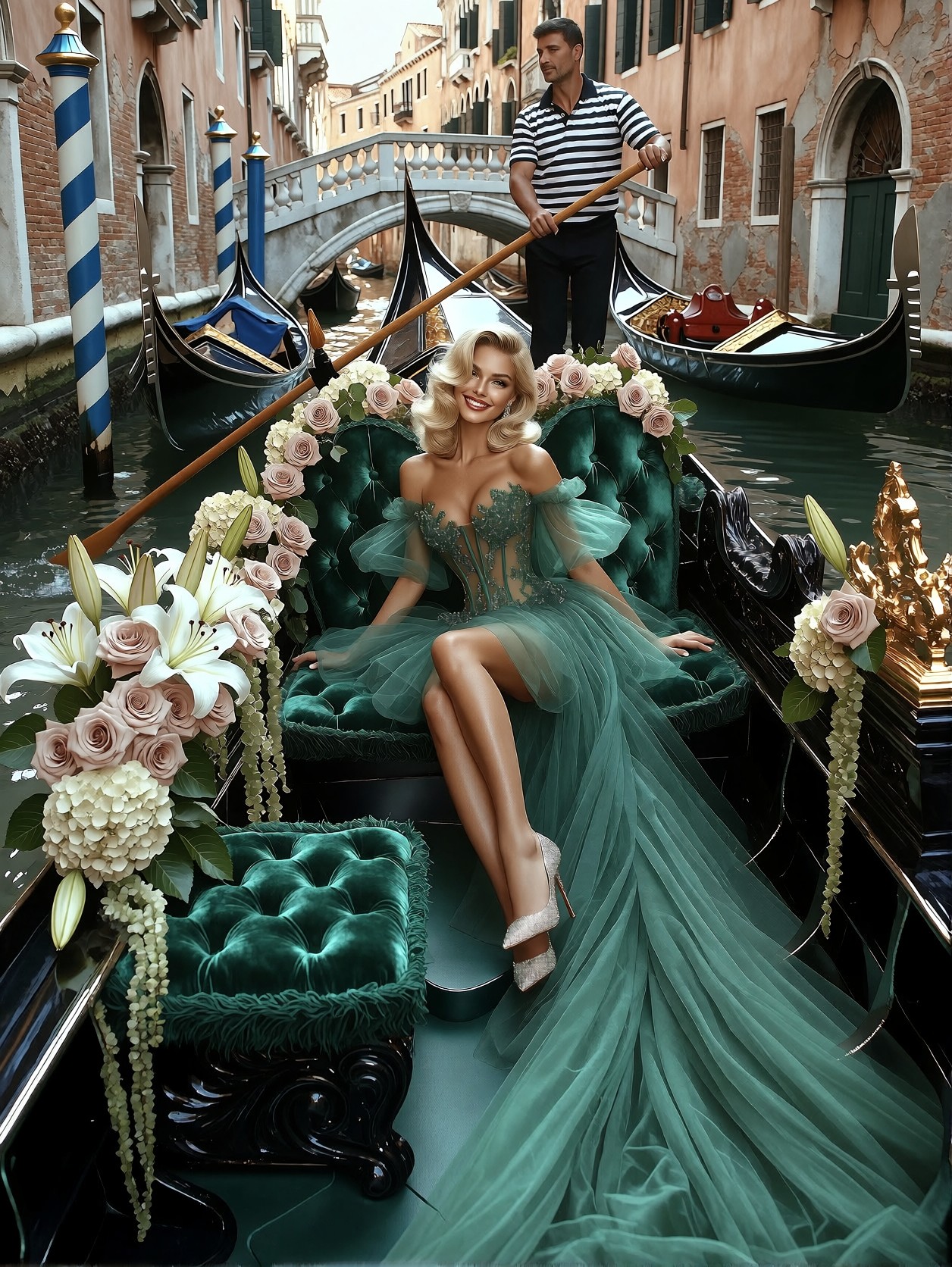


Emerald Couture Against a Working Canal: The Color Story Doing the Heavy Lifting
The single most distinctive choice in this prompt is the emerald color lock — the gown, the gondola's velvet seating, the trailing greenery, even the water's reflected light all pull toward the same green family. Against that, the pastel stone facades and white lilies create a soft complementary contrast that keeps the image from becoming a monochrome exercise. Krea 2's strength in intelligent style blending means the model won't flatten these layers into a muddy average; it will let the emerald dominate while preserving the warm brick tones and silver heel sparkle as distinct accents.
The "impossibly long cascading train draping across the entire gondola" is doing serious compositional work — it turns a seated portrait into a full scene, giving the tulle fabric a reason to occupy the lower two-thirds of the frame. The gondolier and passing boats anchor the image in a real, lived-in Venice rather than a studio set.
Editorial Spreads, Wedding Campaigns, and Luxury Brand Content
High-end fashion houses shooting Venetian campaigns, bridal and evening-wear brands building editorial content, and travel-luxury publications all need exactly this kind of image: a single model embedded in a location with enough narrative detail to carry a full magazine spread without additional photography.
For best results, generate at 3:4 portrait (1080×1440) to keep the gondola's length readable. A 16:9 crop will sacrifice the cascading train and the flower arrangements at the stern. If you need a wider composition for a banner or hero image, add "wide shot, full gondola length visible, 16:9" to the prompt tail.
Tuning Krea 2 for This Layered Scene
Krea 2 handles complex multi-element scenes well, but the flower arrangement plus the gown's tulle layers plus the architectural background is a lot for a single pass. A few adjustments help:
- Guidance / CFG:
3.5–4.0— Krea 2 responds well to moderate guidance; going above 4.5 tends to oversaturate the emerald and make the skin tone unnaturally waxy - Steps: 30 for full fabric and flower detail; 12 steps if you're iterating on composition quickly
- Resolution:
1080×1440(3:4) for editorial;1344×1792for print
How the LoRA Stack Works Here
This is an unusual combination — four LoRAs doing very different jobs:
- Detail Control at
3.80— this is functioning as a utility slider, not a style. At this high weight it pushes the model toward maximum texture resolution: every tulle thread, every lily petal, every brick in the facade gets rendered. Drop to2.50if the image feels over-processed or the flowers look plastic. - Proxima Dream at
0.40— introduces a soft, slightly surreal quality to the light. The canal water will read a touch more luminous, the shadows less harsh. Keep at 0.40; push to 0.55 and the scene starts to lose its "real Venice" grounding. - Grim Dark Glamour 80s at
0.35— adds the shimmering silver quality to the heels and a faint retro high-fashion energy to the pose. This is what gives the image its editorial punch rather than a soft wedding-photo feel. - Pink Barbie at
0.45— the subtlest influence here. It will nudge the blush roses and the model's lip color toward a slightly warmer pink, preventing the emerald palette from feeling cold. If the result looks too pink, drop to0.25.
The Detail Control LoRA at 3.80 is doing most of the visual heavy lifting. If you generate without it, the image will still be beautiful but noticeably softer in the fabric and flower details — the tulle will read as a mass rather than individual strands.
Five Ways to Push the Venetian Couture Scene Further
Targeted Variations for This Specific Prompt
- Swap the gown color to midnight navy: Replace "emerald-green tulle" with "midnight navy tulle" and "emerald velvet" with "deep navy velvet." The canal water becomes the dominant green, and the gown recedes into shadow — a much more dramatic, evening-wear editorial. Keep the silver heels; they'll pop harder against navy.
- Remove the gondolier for a solo composition: Delete the gondolier sentence entirely and add "gondola empty except for the model, no other people visible." The image becomes a pure fashion shot rather than a storytelling scene. Works better for brand campaigns where the model is the sole subject.
- Shift to golden hour: Replace "soft natural daylight" with "golden hour, low warm sun casting long amber shadows across the canal, backlit tulle glowing translucent." The emerald gown will take on a warm undertone and the water will turn gold-green. The flowers will look slightly overexposed and dreamlike.
- Add a second model for a duet editorial: Insert "a second woman in a matching blush-pink tulle gown seated at the opposite end of the gondola, both women looking at each other rather than the camera." The two-color contrast (emerald vs. blush) creates a natural color story and the interaction adds narrative tension.
- Make it a winter scene: Replace "fresh Venetian flowers" with "frosted white florals and bare eucalyptus branches," add "light snow falling, canal water icy and grey, breath visible in the cold air." The emerald gown becomes the only warm color in the frame — a stark, high-contrast winter editorial.
Two Prompts Ready to Generate
Both apply variations from the list above, tuned for Krea 2 at the settings recommended here.
Variation: golden hour shift — the same emerald gown now glows translucent against warm low sun, the canal turns gold-green, the whole image reads as an evening editorial rather than midday
Fashion editorial, glamour photography. A glamorous blonde woman with soft Hollywood waves and radiant makeup sits in a black Venetian gondola with deep emerald velvet seating, wearing a flowing emerald-green tulle couture gown with sparkling embroidered corset and sheer puff sleeves, impossibly long train draping across the gondola. She smiles confidently, one leg extended in sparkling silver high heels. Golden hour, low warm sun casting long amber shadows, backlit tulle glowing translucent. Gondolier behind with wooden oar. Fresh white lilies, blush roses, ivory hydrangeas, jasmine vines woven along the gondola. Narrow Venetian canal, pastel stone buildings, arched windows, striped mooring poles, stone bridge. Cinematic composition, shallow depth of field, photorealistic, 8K.
Variation: winter contrast — frosted florals replace fresh blooms, light snow falls, the canal goes icy grey, and the emerald gown becomes the single warm color in a cold, stark editorial
Fashion editorial, glamour photography, winter scene. A glamorous blonde woman with soft Hollywood waves and radiant makeup sits in a black Venetian gondola with deep emerald velvet seating, wearing a flowing emerald-green tulle couture gown with sparkling embroidered corset and sheer puff sleeves, impossibly long train draping across the gondola. She smiles confidently, one leg extended in sparkling silver high heels. Light snow falling, canal water icy and grey, breath visible in cold air. Gondolier behind with wooden oar. Frosted white florals, bare eucalyptus branches, pale hydrangeas woven along the gondola. Narrow Venetian canal, snow-dusted pastel stone buildings, arched windows, striped mooring poles. Cinematic composition, shallow depth of field, photorealistic, 8K.
More Editorial and Glamour Scenes in This Direction
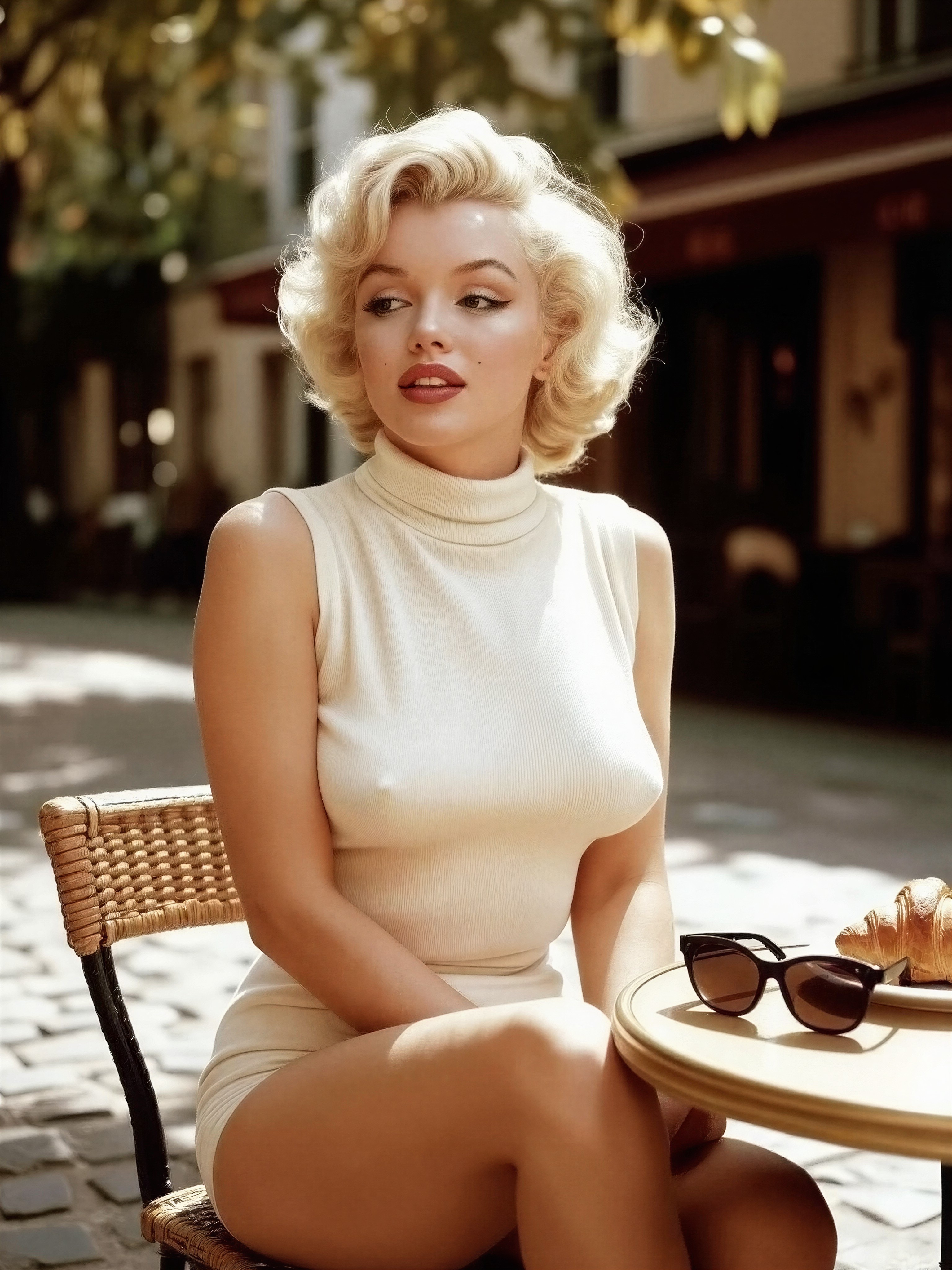
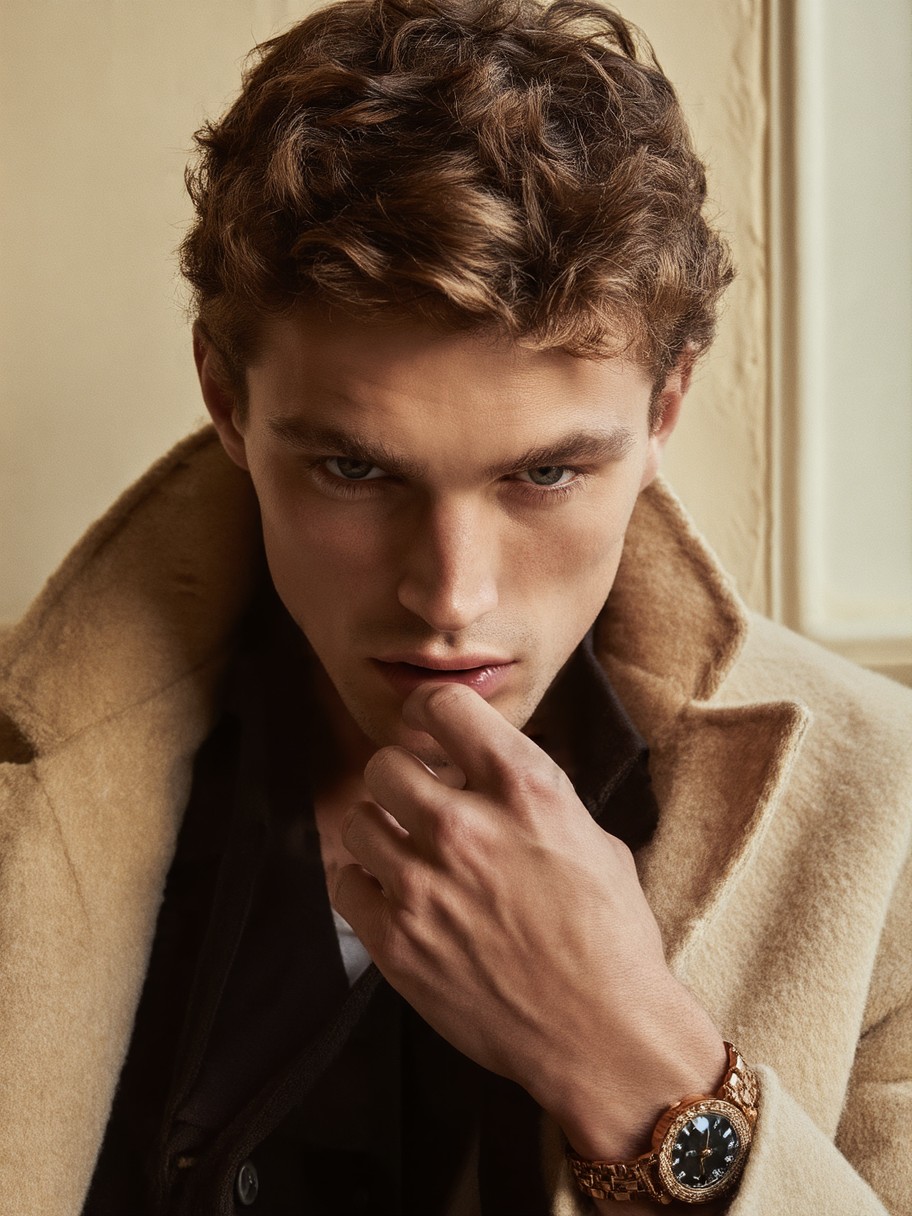
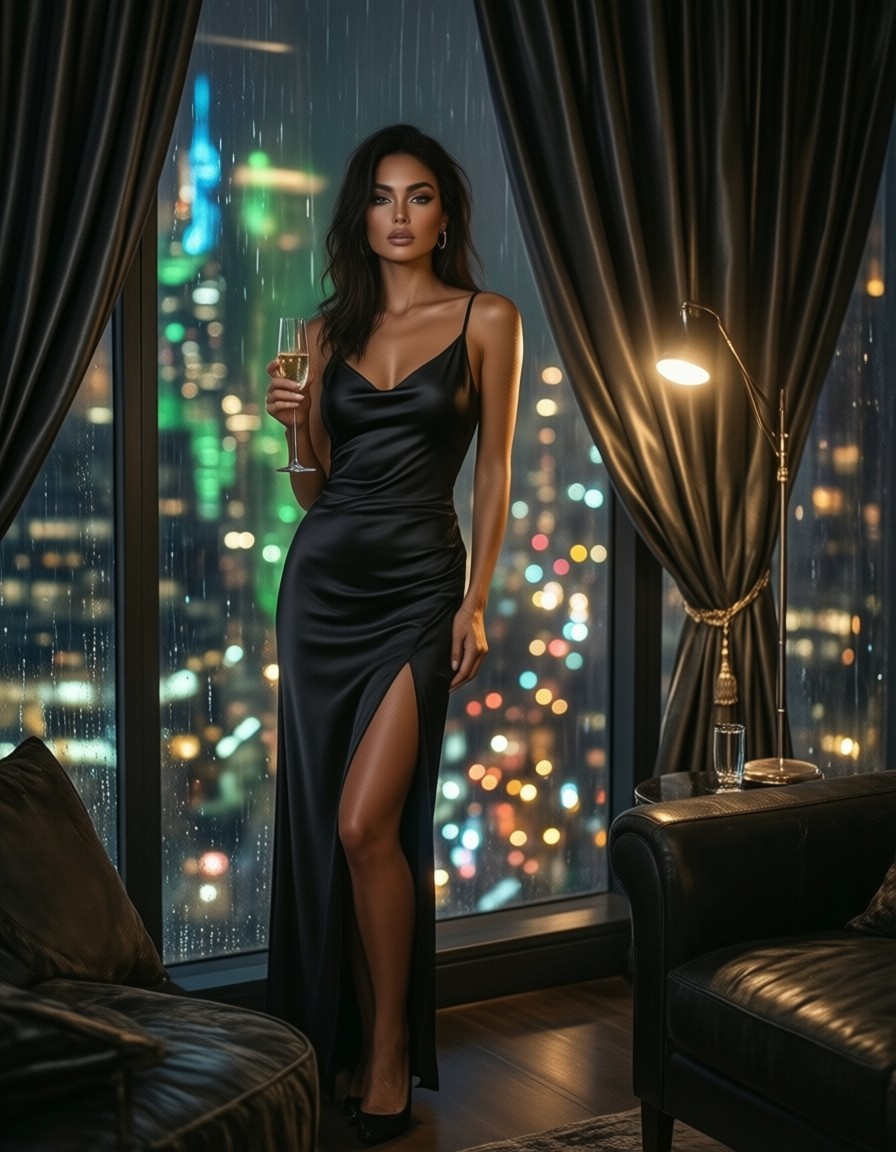
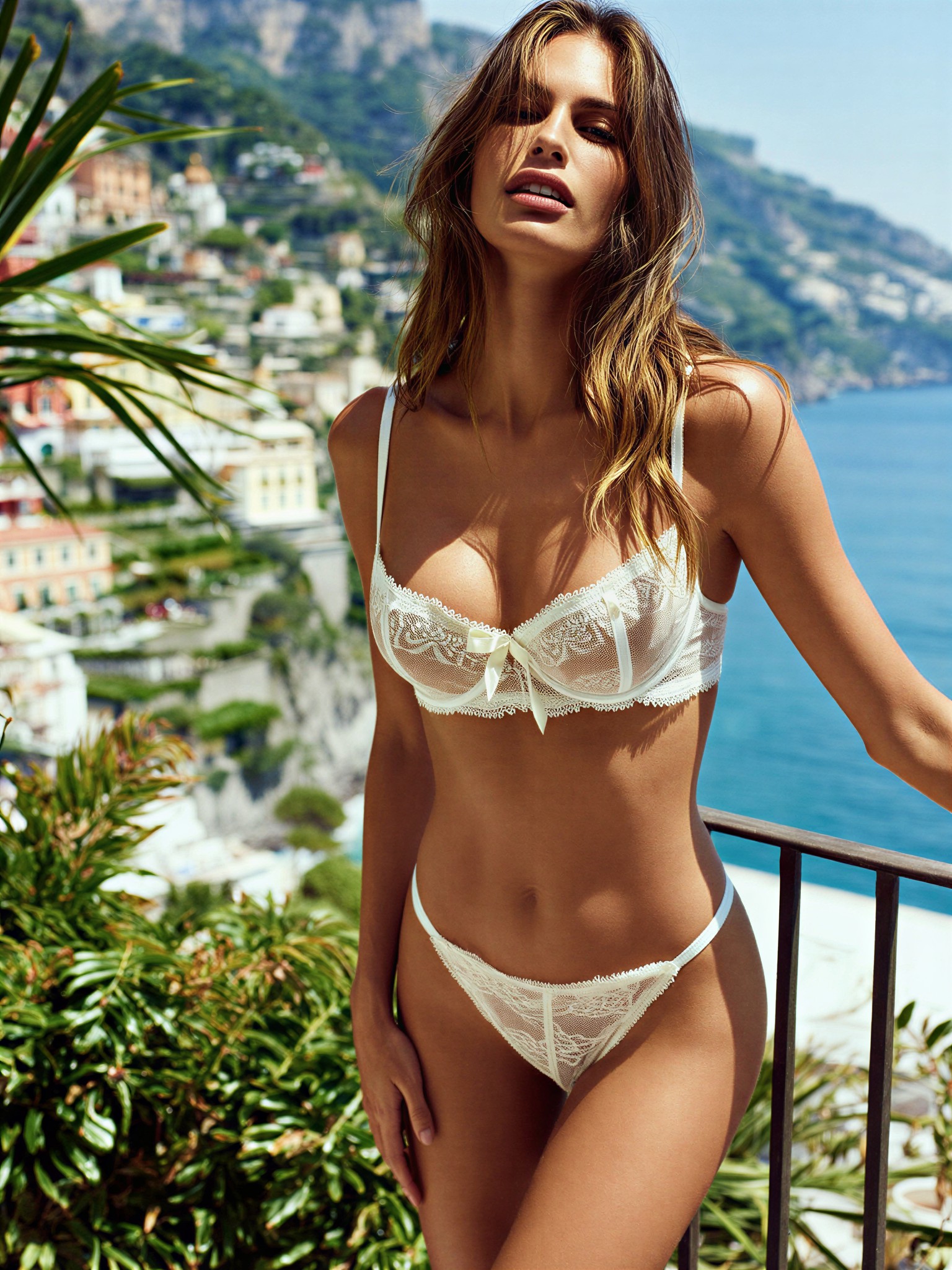
These prompts explore the same territory of high-fashion photography set against atmospheric European locations — different eras, different palettes, different moods, but the same editorial energy: