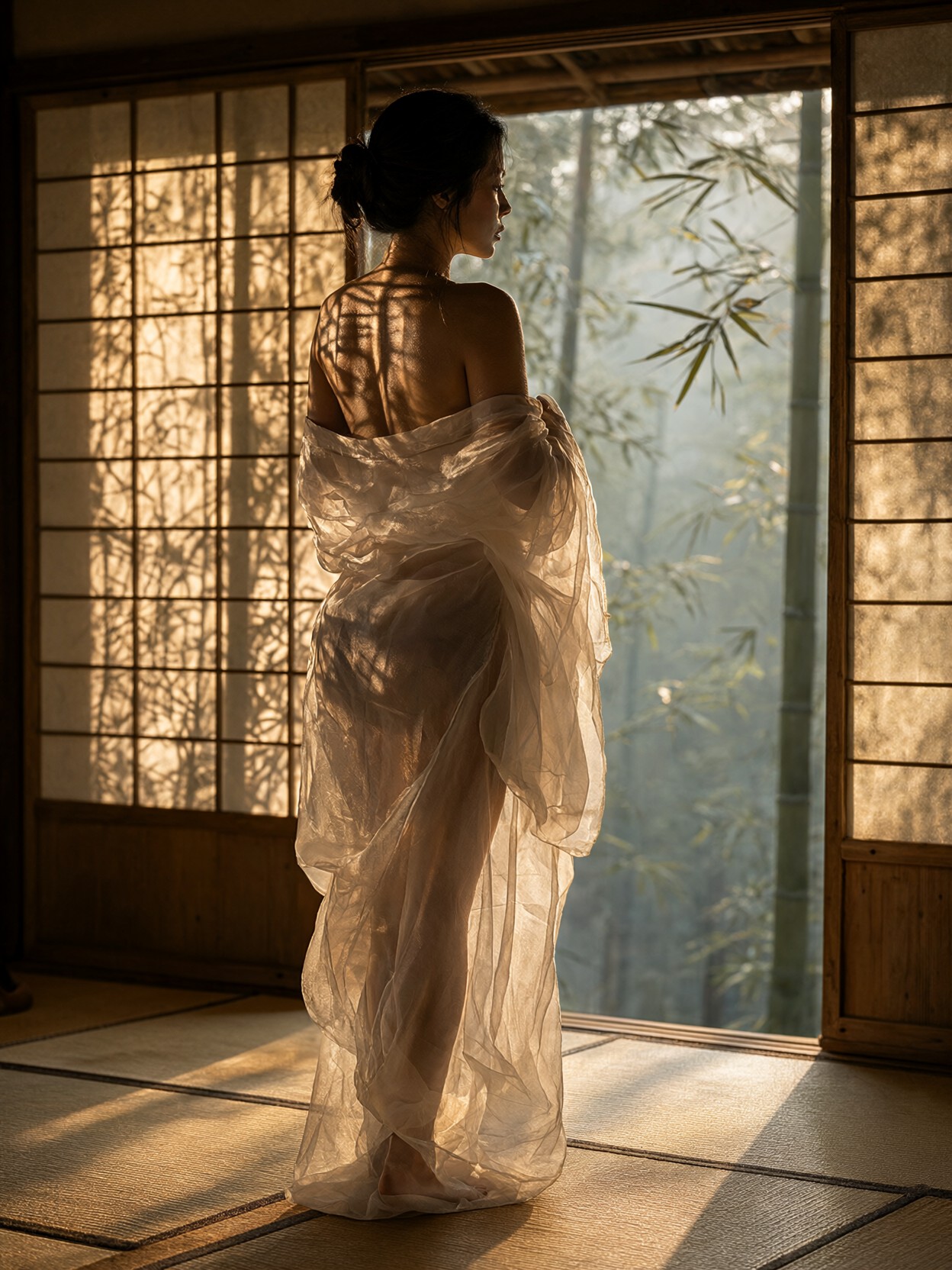
Shoji Shadow Grids and Chiffon Transparency: The Technical Core of This Shot
The most technically demanding element here isn't the subject — it's the light. Sliding shoji screens don't just filter golden hour; they fracture it into a grid of warm rectangles that fall across skin, chiffon, and tatami simultaneously. Qwen 2.1's lifelike portrait lighting handles this multi-source shadow work with unusual precision, keeping each geometric patch distinct rather than blending them into a generic warm glow.
The semi-sheer chiffon yukata adds another layer of complexity: the model must render fabric thin enough to show skin texture beneath while maintaining the integrity of the weave itself. The 85mm f/1.4 reference tells the model to keep the background bamboo forest in soft, misty bokeh while the subject stays razor-sharp — a shallow depth-of-field cue that Qwen 2.1's native 2K output resolves cleanly without the detail loss typical of upscaling from lower resolutions.
Editorial Portfolios, Magazine Spreads, and Cultural Content
This prompt produces the kind of image that anchors a Japanese fashion editorial or a high-end resort campaign. The side-profile tracking framing works especially well for landscape orientation — a 16:9 or 3:2 crop gives the bamboo forest room to stretch behind the subject while the shoji shadow grid remains the visual anchor on her back.
It also suits book cover art for literary fiction set in Japan, stock photography for travel and wellness brands, and personal portrait commissions where the subject wants a culturally specific, non-generic result. For portrait-orientation use (3:4), the vertical framing crops the misty forest and concentrates attention on the shadow patterns across the torso.
Dialling Qwen 2.1 for Fine Fabric and Multi-Source Light
Qwen 2.1's native 2K output is the single biggest advantage here — the fabric transparency and skin pore detail the prompt demands need resolution headroom that 1024px outputs simply don't provide.
- CFG / Guidance:
3.5–4.5— high enough to lock the shoji shadow geometry in place, low enough to avoid over-sharpening the chiffon into a rigid mesh - Steps: 30 for final quality; the multi-layer lighting (golden hour + screen shadows + ambient bounce off tatami) benefits from extra refinement passes
- Resolution:
1536×1024(3:2 landscape) for the tracking-shot feel, or1024×1536(2:3 portrait) for a tighter crop
The 85mm f/1.4 language in the prompt is doing real work — it tells Qwen 2.1 to apply a specific bokeh character to the background. Keep it in your prompt; removing it tends to flatten the depth separation between subject and forest.
Five Concrete Ways to Shift This Scene
5 Targeted Variations for the Bamboo Pavilion Scene
- Swap golden hour for blue hour: Replace "golden hour" and "warm setting sun" with "deep blue twilight, single lantern glow inside the pavilion" — the shadow grid becomes a cold amber rectangle pattern against indigo skin, the mood shifts from warm to cinematic-noir
- Make the fabric opaque: Change "semi-sheer white chiffon" to "heavy indigo silk kimono with gold brocade hana pattern" — the transparency challenge disappears and the model redirects detail budget into textile weave and metallic thread rendering
- Add a second figure: Append "a second woman seated on tatami pouring matcha, back to camera, slightly out of focus" — introduces a narrative layer and gives the composition a depth plane between subject and background
- Shift the camera angle: Replace "side-profile tracking shot" with "low angle looking up from floor level, emphasizing the shoji grid overhead and the subject's silhouette against it" — the shadow patterns become a ceiling element, the composition becomes more graphic and architectural
- Change the season: Replace "misty bamboo forest" and "golden hour" with "fresh snow on bamboo, pale winter afternoon, breath visible in cold air" — the palette drops to near-monochrome, the shoji shadows become harder and more defined against the bright snow light
Two Prompts Ready to Generate
Both apply a variation from the list above and are tuned for Qwen 2.1 at the settings recommended here.
Variation: blue hour lantern light — same pavilion and subject, but the warm sun is replaced by a single interior lantern, shifting the mood to cinematic stillness
Realism, sensual editorial photography. Side-profile tracking shot of an alluring woman standing inside a traditional bamboo tea pavilion during deep blue twilight. She wraps a delicate semi-sheer white chiffon yukata softly around her silhouette while looking out toward a dark bamboo forest. A single warm lantern inside the pavilion casts a geometric shoji shadow grid across her back and the tatami floor. Cool indigo ambient light, warm amber lantern glow on skin, shallow depth of field, Sony A1 85mm f/1.4, photorealistic, 8k.
Variation: winter monochrome — snow on bamboo, pale afternoon light, harder shadow definition, near-monochrome palette
Realism, editorial photography. Side-profile tracking shot of a woman standing inside a traditional bamboo tea pavilion on a pale winter afternoon. She wears a semi-sheer white chiffon yukata, breath faintly visible in cold air. Fresh snow blankets the bamboo forest outside. Hard, sharply defined shoji shadow patterns from low winter sun fall across her shoulders and the tatami floor. Near-monochrome palette, soft diffused light, Sony A1 85mm f/1.4, photorealistic, 8k resolution.
More Editorial Portraits in This Sensual-Realism Range
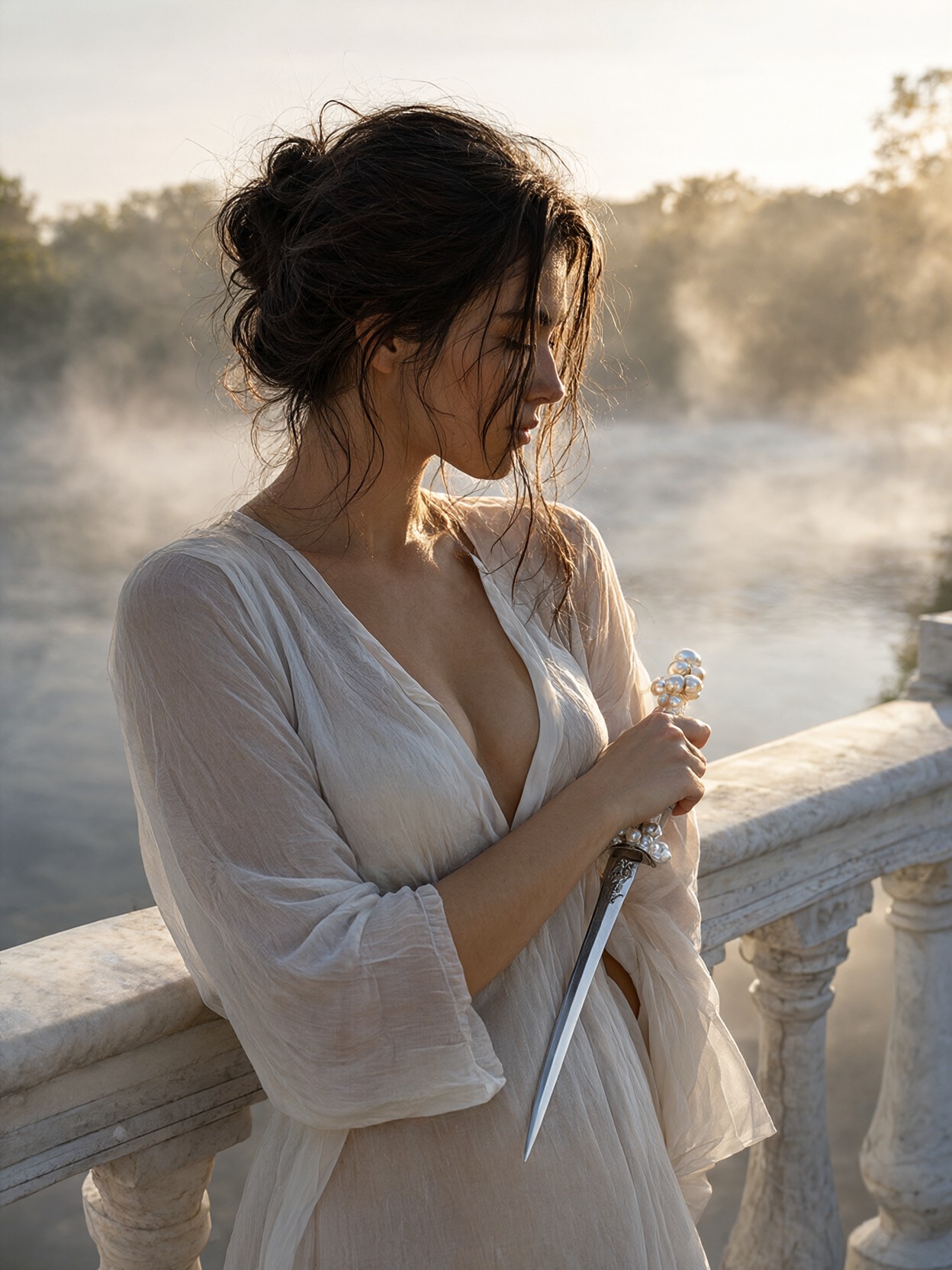
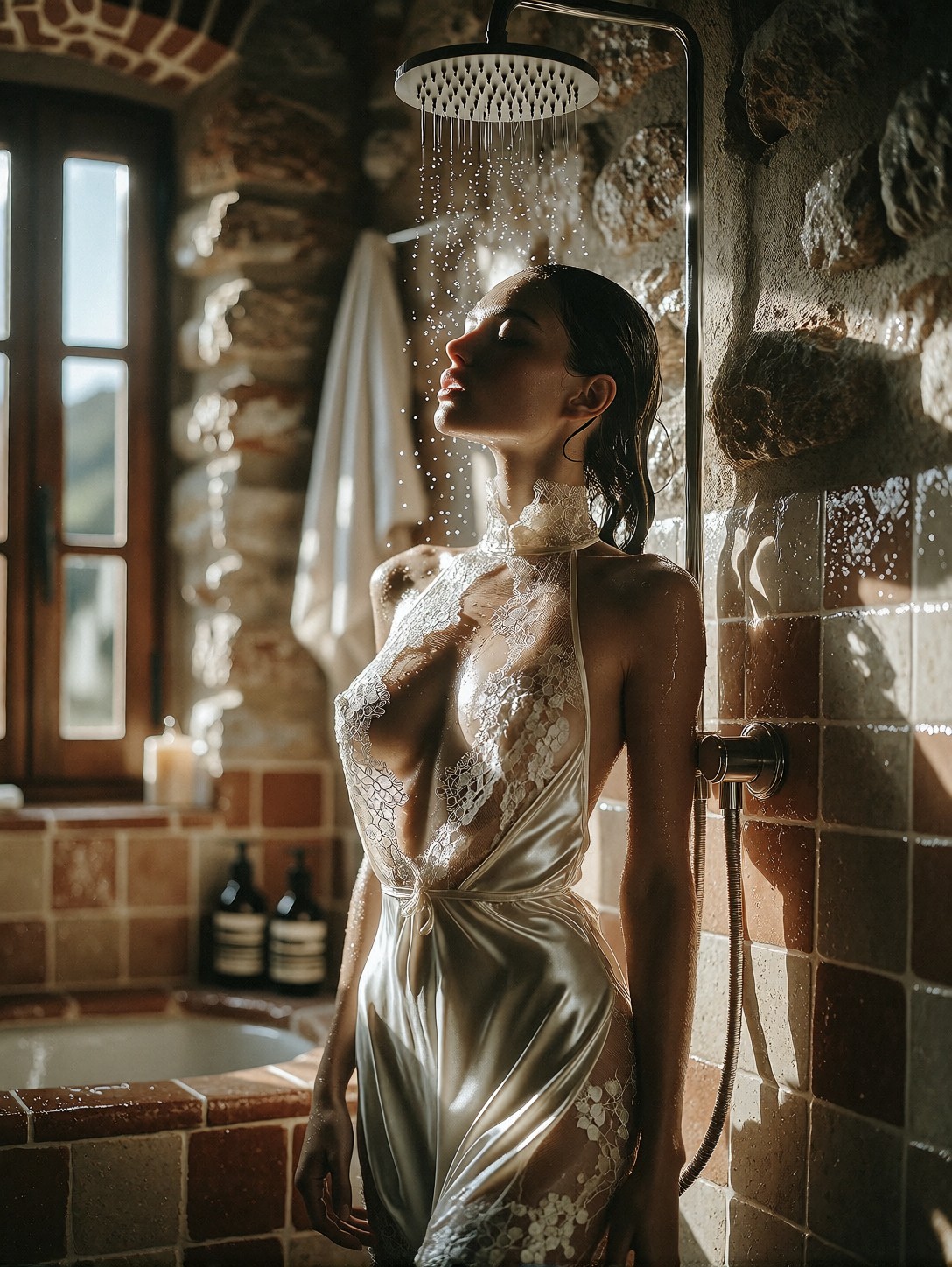
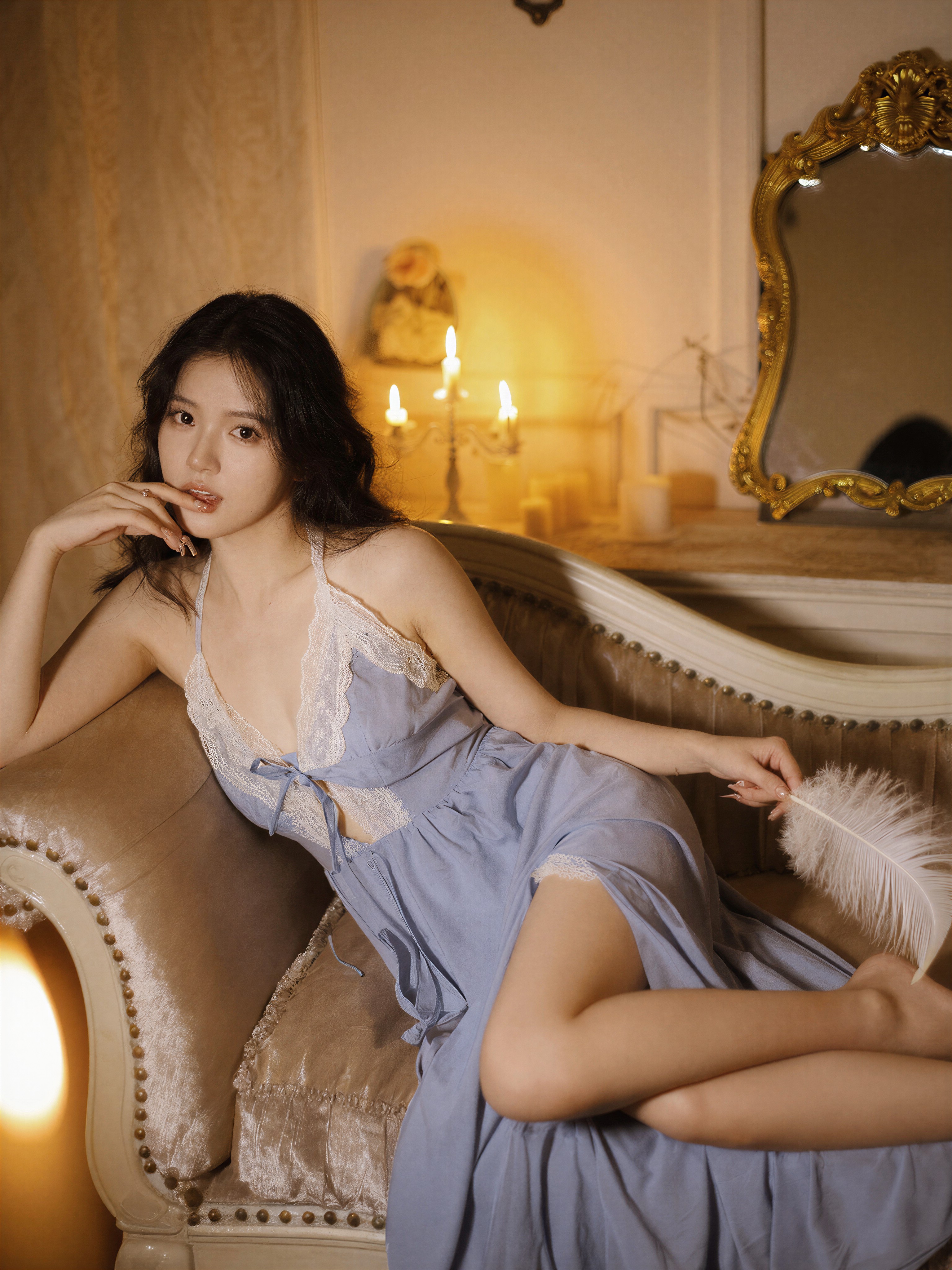
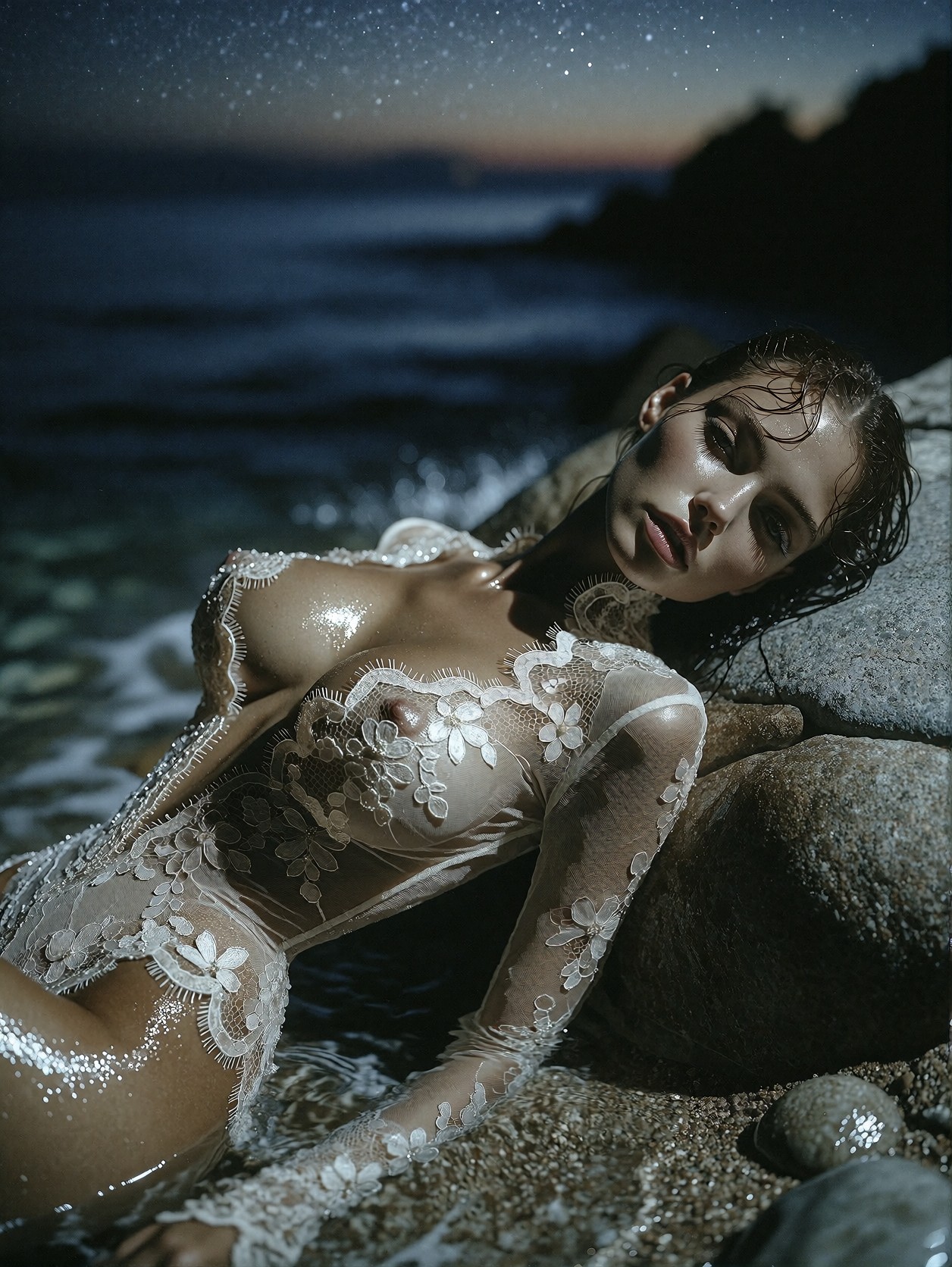
These four prompts share the same technical DNA — fine fabric detail, controlled lighting, and a strong cultural or environmental setting — but push different moods and palettes: