Kinetic Energy and Ben-Day Dots: How This Vigilante Action Scene Works
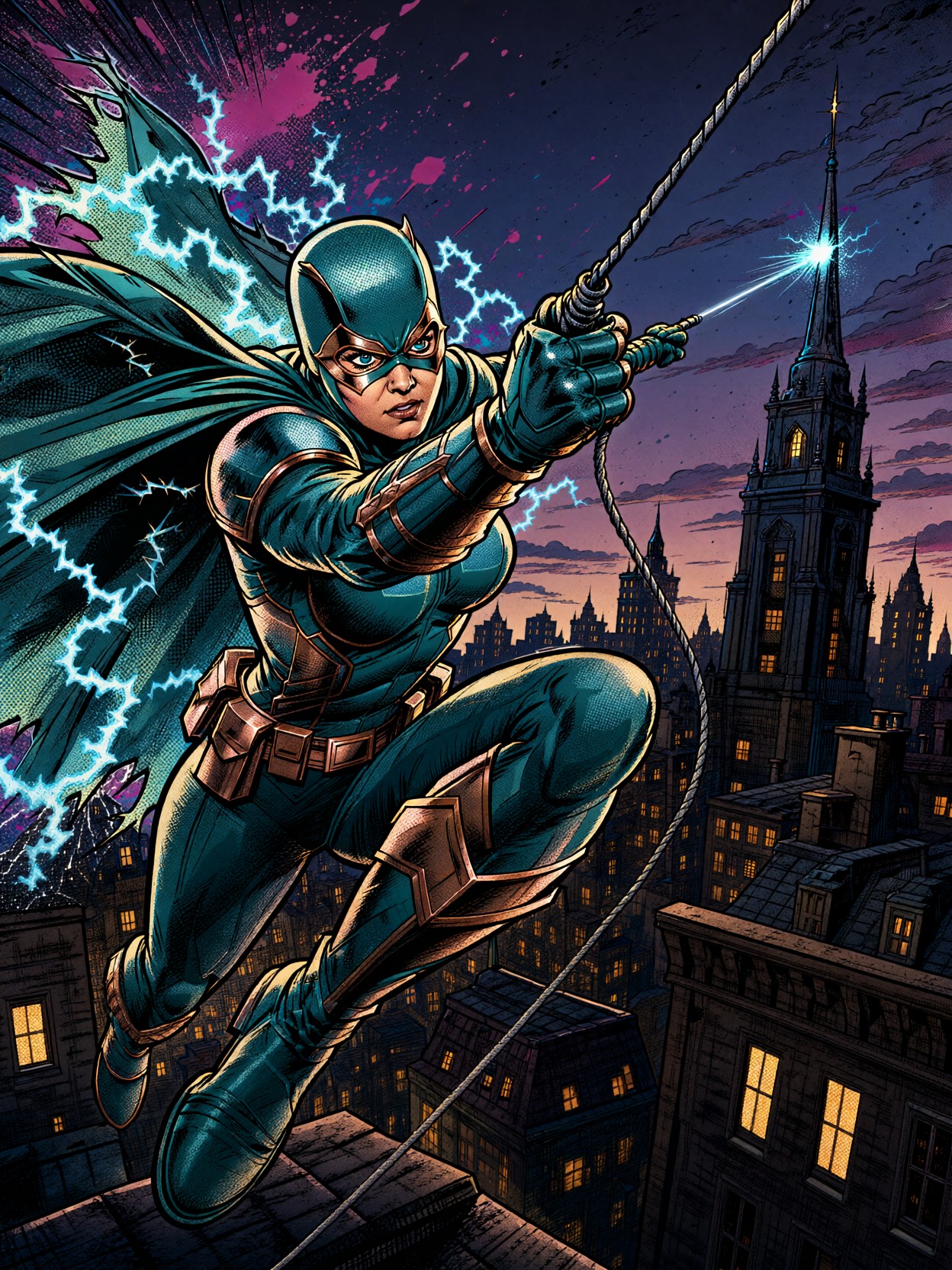
The sheer kinetic energy of a masked vigilante leaping across a twilight cityscape is amplified by the deliberate clash of visual styles. This isn't just a superhero; it's a meticulously rendered graphic novel panel. The vibrant teal and copper armor cuts through the moody, cross-hatched shadows of the city below, while the cape, crackling like static electricity, adds a layer of raw, comic book drama.
The true genius of this prompt lies in its layered texture: the thick, unforgiving black outlines provide the structural integrity of the comic medium, while the Ben-Day dot shading on highlights introduces a nostalgic, print-ready imperfection. This blend of high-detail rendering (Qwen's strength) and stylized graphic limitations results in an image that feels both hyper-real and deliberately drawn 💥.
Who Should Use This High-Contrast Comic Style
If you are looking to create concept art for a graphic novel, design assets for a superhero TTRPG, or produce dynamic promotional art for a comic book series, this prompt is a powerful starting point. It excels at capturing high-stakes, mid-action moments that require a strong visual narrative.
Since the image relies heavily on composition and strong lines, a landscape or 16:9 aspect ratio often works best to capture the breadth of the rooftops and the city sprawl. Given that Qwen 2.1 offers native 2K output, you can maximize the fine detail in the armor plating and the cross-hatched city without needing significant upscaling.
Generating the Ultimate Comic Book Panel
For Qwen 2.1, the key is guiding the model to respect the stylistic constraints you've laid out, ensuring the "comic book" feel doesn't wash out the detailed rendering. Because the model excels at fine detail and lighting, we want the guidance scale to be firm, but not so high that the dramatic shadows clip into solid black blobs.
- Guidance Scale (cfg_scale):
3.5–4.0— A high setting is needed to enforce the strong, thick black outlines and the specific Ben-Day dot patterns. - Steps: 24–30 — To ensure the cross-hatching in the shadows and the fine detail on the gauntlet are fully resolved.
- Resolution / Aspect Ratio:
16:9or2:1— Ideal for capturing the wide-angle perspective of the rooftop jump.
Pivoting the Aesthetic
To fine-tune the comic look, remember that Qwen 2.1 handles lighting exceptionally well. If you want the lighting to feel more like a classic silver-age comic (less modern digital glow), try shifting the palette away from magenta/cyan toward a more restricted primary color scheme.
Five Ways to Push the Action Forward
5 Targeted Variations for This Vigilante Prompt
- Shift the genre to Cyberpunk: Replace "teal armored suit" with "chrome exo-skeleton" and "copper accents" with "neon fiber optics." The cityscape should become a dense, rain-slicked mega-structure, and the glowing amber windows become massive holographic advertisements.
- Change the medium style: Swap "Comic Book, bold ink and halftone style" for "Japanese Manga, heavy ink wash, screentone patterns." This changes the feeling from Western pulp action to East Asian graphic drama.
- Alter the mood to Noir: Replace "dusk" with "foggy midnight" and change the color palette to "monochrome with a single splash of acid green." The city should be rendered in heavy chiaroscuro, emphasizing shadow over color.
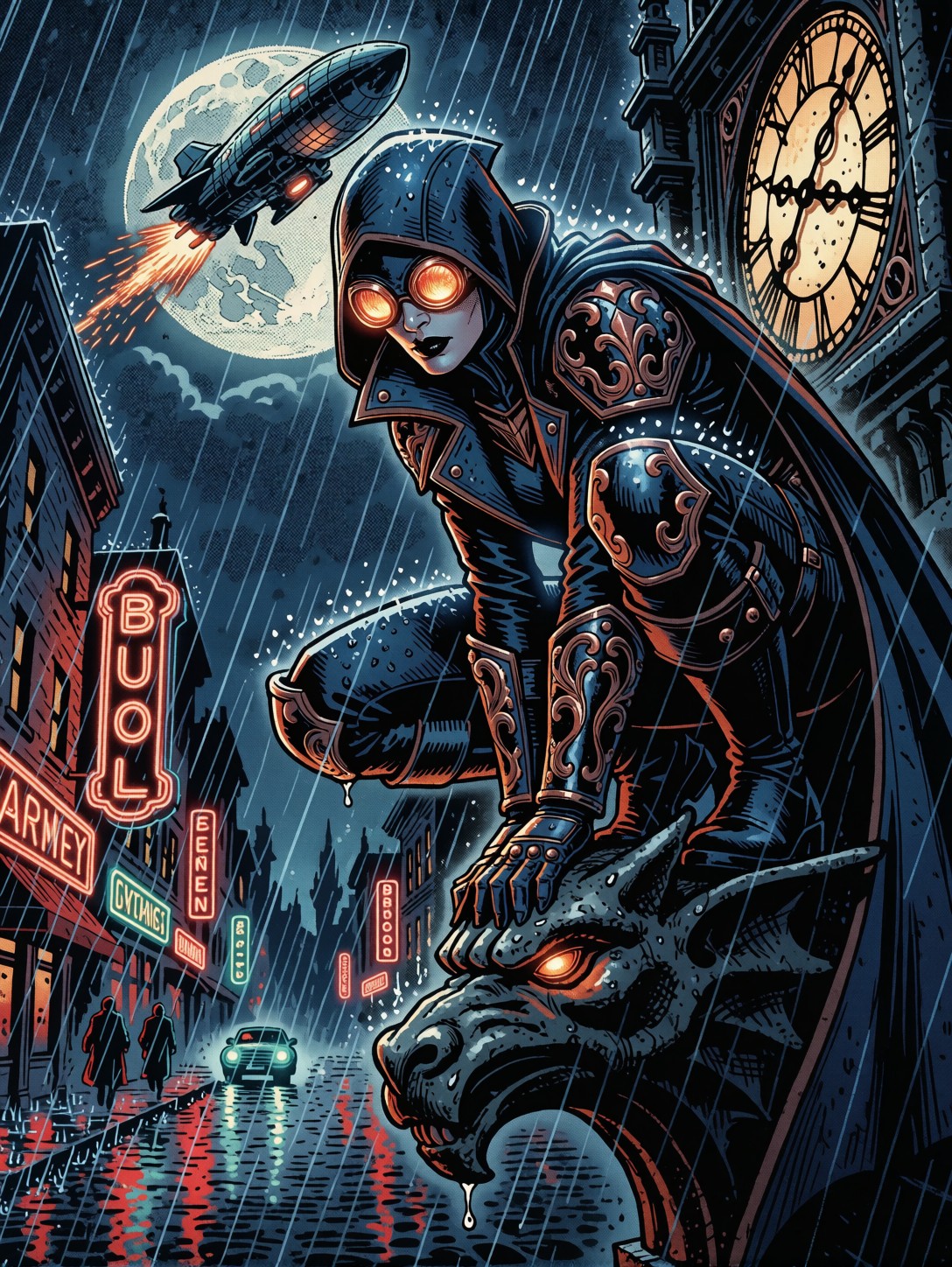
- Change the action focus: Instead of "leaping between rooftops," set the scene "perched precariously on a gargoyle," turning the action into one of tense surveillance and impending attack, focusing more on the vigilante's determined expression.
- Introduce a contrasting antagonist: Add a secondary element like "a looming silhouette of a winged automaton descending from the clouds." This instantly raises the stakes and provides a natural compositional counterpoint to the vigilante's leap.
Two Prompts Ready to Generate
These two examples demonstrate how slight tweaks to the setting and style can completely transform the vibe of the original prompt, while still utilizing Qwen's ability to render high detail.
Variation: Cyberpunk Transformation — shifting the setting from gritty retro streets to a high-tech, neon-drenched future city while maintaining the dynamic leap.
Comic Book style, dynamic panel of a chrome exo-skeleton vigilante in teal and neon fiber optics, leaping between towering skyscraper platforms at night. Rain-slick surfaces reflect glowing magenta holograms and cybernetic billboards. Thick black outlines, heavy motion blur, dramatic action lines. The city is a dense cyberpunk metropolis, 16:9 composition, 8k.
Variation: Neo-Noir Style — moving from a colorful dusk to a foggy midnight, relying on high contrast and limited, moody lighting to create a somber atmosphere.
Neo-Noir comic panel, vigilante in a matte black tactical suit with subtle copper accents, perched on a rain-soaked gargoyle at foggy midnight. Extreme high contrast, heavy chiaroscuro lighting from a single amber streetlamp. Only the determined eyes are visible through the mask. Thick ink, minimalist design, dramatic shadows engulf the gothic city below, highly detailed, 4:3 composition.
Other Dynamic Action Scenes to Explore
If you love the energy of this comic book style, these related prompts explore similar themes of urban adventure, high-contrast visuals, and dynamic movement across different artistic interpretations.