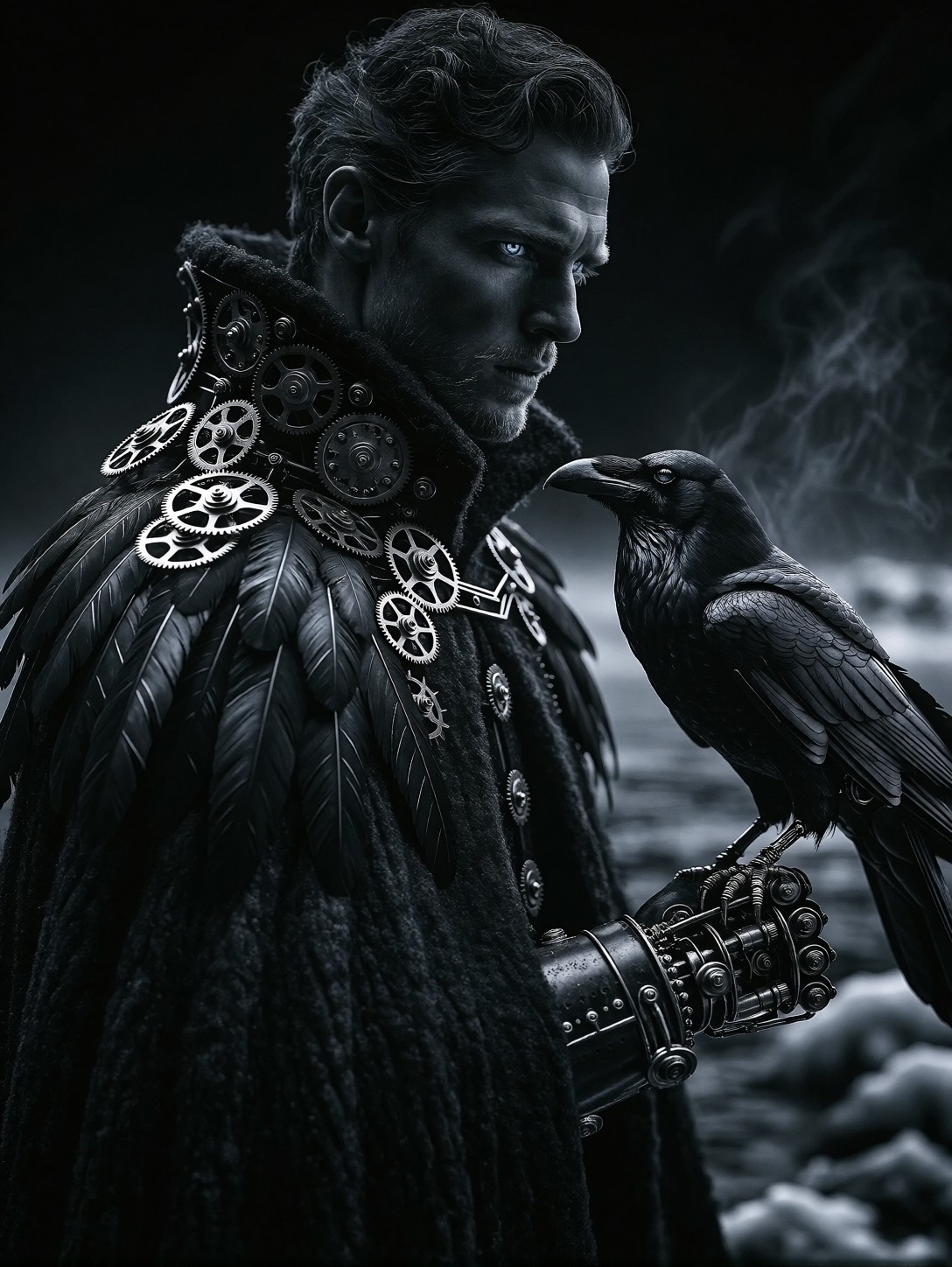


Icy Eyes and Brass Gears: The Anatomy of a Mechanical Raven Portrait
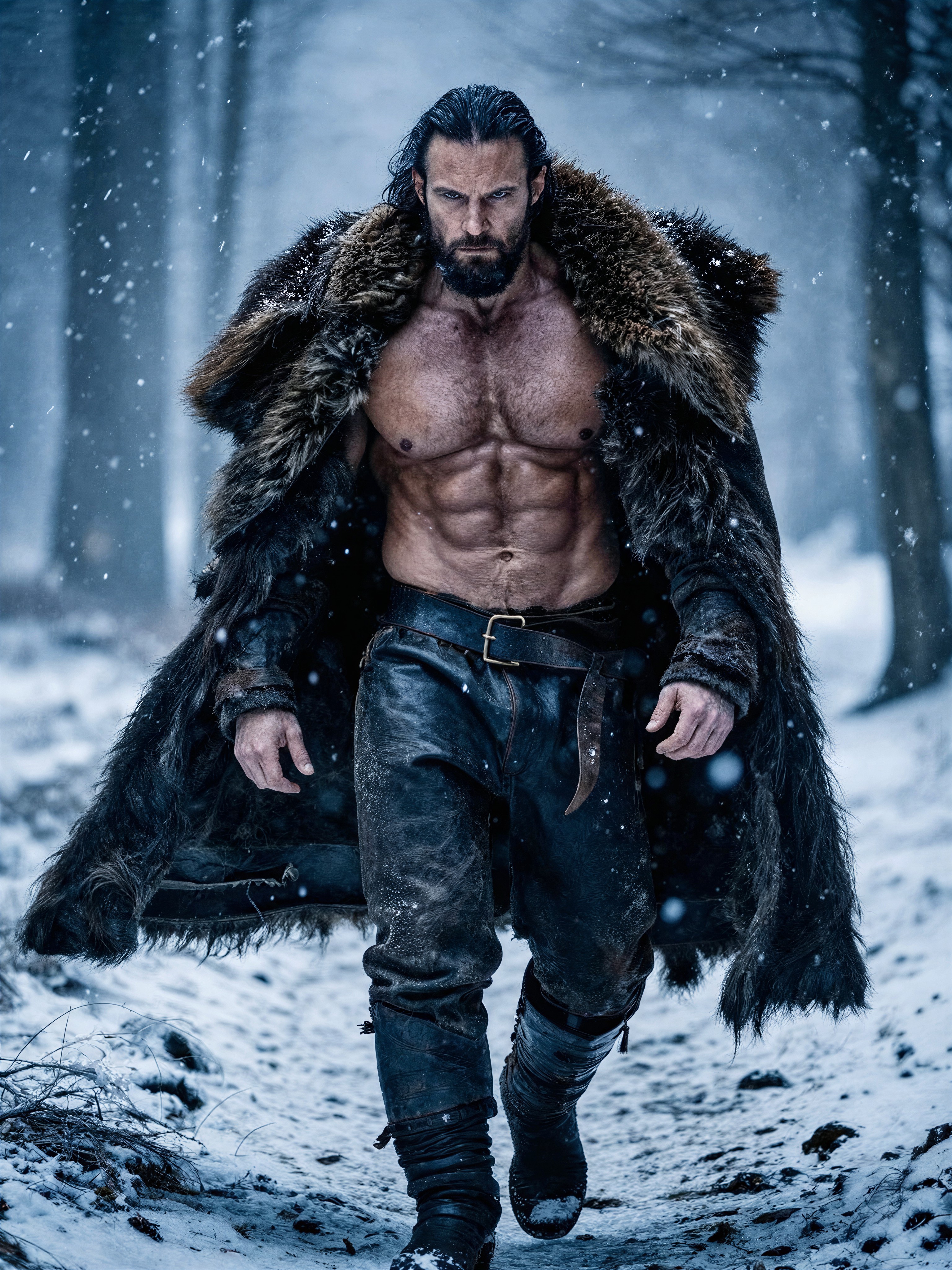
The juxtaposition of organic warmth against cold machinery creates the visual tension here. A sophisticated man in his 30s stands on a frozen fjord, his heavy wool cloak textured with mechanical crow feathers and tiny brass gears — an intricate marriage of nature and engineering. The monochrome palette strips away distraction, forcing the viewer to focus on the interplay between soft shadows and sharp metallic edges.
Proxima Aurelia 2 excels at this kind of visual storytelling. Its strength lies in intelligent composition, allowing it to place a single light source for dramatic chiaroscuro that illuminates only the face and mechanical details while letting the rest fade into a deep, void-like black. The result is a high-fidelity image where every gear tooth and feather strand feels tactile and deliberate.
Character Sheets and Dark Fantasy Book Covers
This portrait style — moody, detailed, and rich in lore — is perfectly suited for dark fantasy projects. It works exceptionally well as a character sheet for tabletop RPGs like Dungeons & Dragons or Pathfinder, giving players an immediate visual anchor for their "arcane engineer" or "grim reaper" characters. It also translates beautifully to book covers for gothic novels or indie game concept art where atmosphere is just as important as the subject.
Because the composition relies on a central figure against a void background, a vertical aspect ratio like 3:4 is essential. This framing keeps the focus tight on the portrait and the mechanical raven without losing the atmospheric depth of the frozen fjord setting. Landscape crops would flatten the dramatic lighting.
Generation Settings for Proxima Aurelia 2
Proxima Aurelia 2 is designed to deliver high aesthetic value with minimal prompting overhead, but it responds best to settings that allow its composition engine to settle. Since this model is built on the Flux Schnell architecture, you can push for high detail without risking the "washed-out" look common in other models.
- CFG Scale / Guidance:
3.0–3.5— This sweet spot maintains the dramatic contrast of the chiaroscuro lighting while preserving the texture of the wool and brass. - Steps: 20 to 30 steps — Enough to render the complex mechanical details without unnecessary rendering time.
- Resolution:
1080×1440(3:4) — Standard portrait resolution; use1344×1792if you need extra pixel density for the fine gear textures.
Combining Horror LoRAs
You are using two distinct horror styles: Obsidian Nightmare Horror Style (weight 0.45) and Horror CCTV Footage Style (weight 0.40). This combination creates a layered effect where the "Obsidian" LoRA drives the oppressive mood and lighting, while the "CCTV" LoRA overlays that unsettling, grainy surveillance texture.
- Obsidian Nightmare at 0.45: This weight is high enough to dominate the atmosphere, giving the image a cinematic, nightmarish quality with distorted edges.
- Horror CCTV at 0.40: A slightly lower weight here prevents the grain from overpowering the subject's face. It adds a digital decay that makes the mechanical elements feel like they are being viewed through a corrupted lens.
If you find the image too noisy, drop the CCTV LoRA to 0.25. If you want the character to look more like a monster from a nightmare, raise Obsidian Nightmare to 0.60.
Five Ways to Push the Mechanical Raven Portrait Further
5 Targeted Variations for This Prompt
- Shift the Mechanism: Change "mechanical crow feathers" to "clockwork butterfly wings emerging from shoulders". The subject remains dark, but the mechanical element shifts from predatory (crow) to ethereal/surreal.
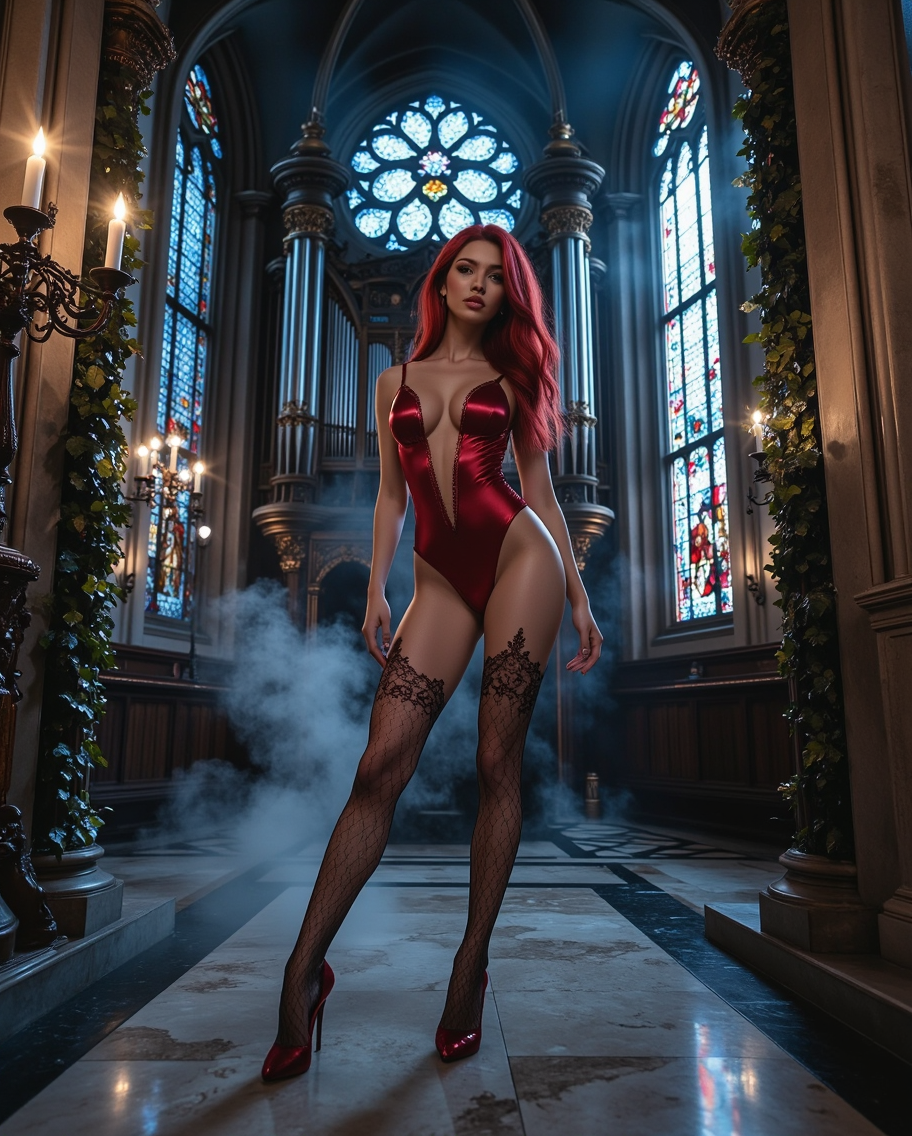
- Cyber-Gothic Environment: Replace "misty frozen fjord shore" with "crumbling gothic cathedral nave, stained glass shattered on floor". This keeps the monochrome palette but adds architectural horror to the background.
- Action Pose: Change "standing... holding a large mechanical raven" to "kneeling before a massive automaton heart, hands sparking with electricity". This transforms the image from a portrait into a dynamic scene of ritual or creation.
- Color Accent: Keep the "monochrome (black and white)" base but add "icy blue eyes glowing with bioluminescence". Aurelia 2 handles selective color pops beautifully, making the eyes the focal point in the darkness.
- Vintage Noir LoRA Swap: Instead of the CCTV LoRA, try a "Vintage Film Noir" or "Kodak Portra 400" style at weight
0.30. This gives a classic, grainy film look rather than a digital horror aesthetic.
Two Prompts Ready to Generate
Apply two variations from the list above directly — one focusing on environmental storytelling and another on color dynamics, both optimized for Aurelia 2.
Variation: Gothic Environment — replacing the fjord with a ruined cathedral to heighten the occult atmosphere
Dark Fantasy monochrome portrait of a sophisticated man in his 30s, sharp profile, icy blue eyes. Heavy cloak with mechanical crow feathers and brass gears. He stands in the nave of a crumbling gothic cathedral, shattered stained glass above, holding a large mechanical raven. Dramatic chiaroscuro lighting from a single source illuminating face and gears against deep shadows. Hyper-detailed textures, oppressive atmosphere, horror aesthetic
Variation: Glowing Eyes — keeping the original prompt but adding a bioluminescent pop to the eyes for dramatic focus
Dark Fantasy monochrome black and white portrait of a sophisticated man in his 30s, sharp profile. Icy blue eyes glowing with intense bioluminescence, piercing through the darkness. Heavy cloak made of dark textured wool and integrated mechanical crow feathers with small brass gears. Standing on misty frozen fjord shore holding a large mechanical raven. Dramatic chiaroscuro lighting, hyper-detailed textures, masterpiece quality
More Dark Fantasy Character Art
If you are exploring this gothic and mechanical aesthetic, these related prompts offer similar atmospheric depth and character-driven compositions: