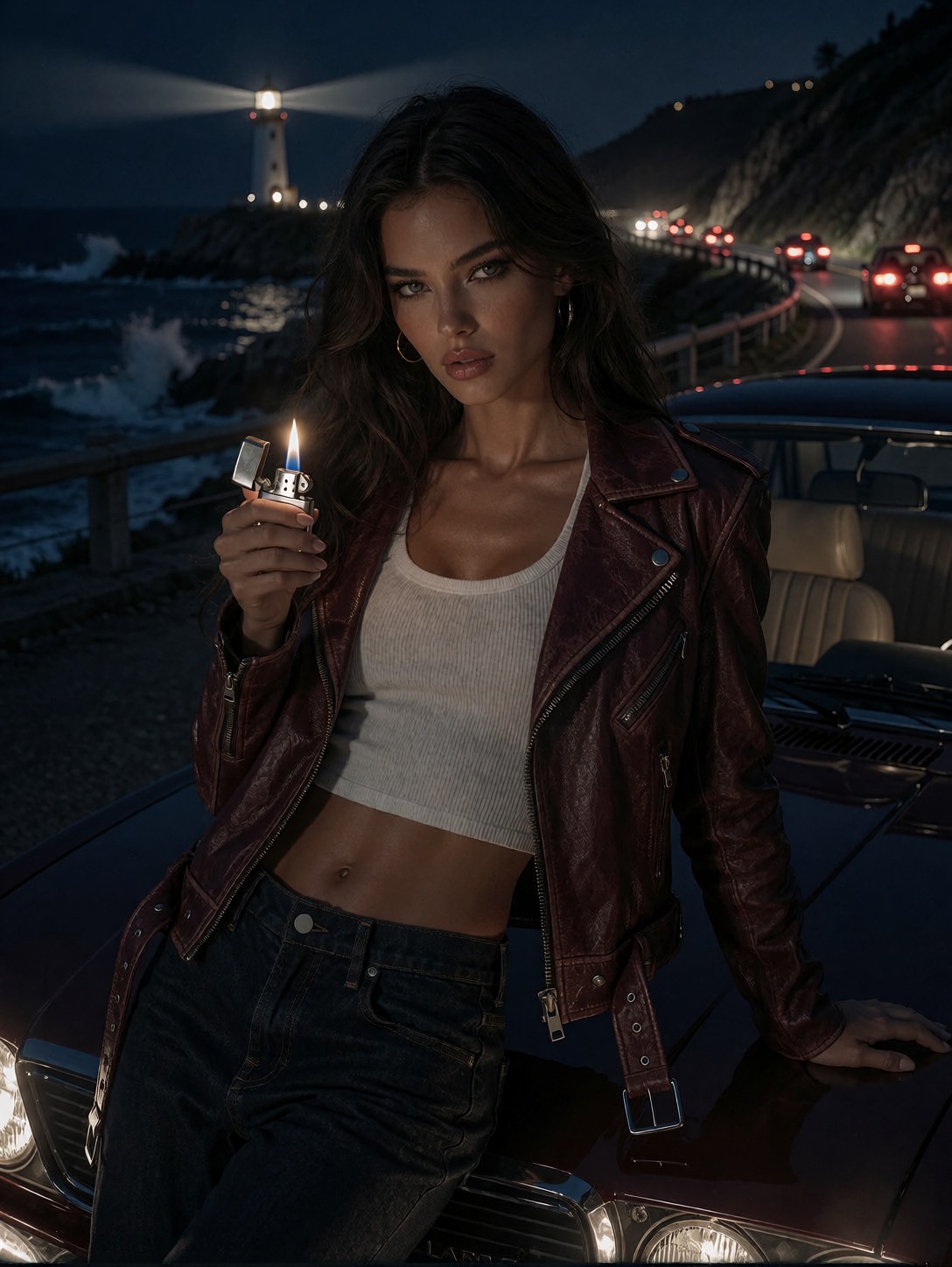


Midnight Coastal Glamour: How the Nocturnal Portrait Works
The tiny flame from the silver lighter is the only light source on her face, carving sharp highlights against the deep shadows. A glamorous young woman leans against the hood of a dark vintage car parked along a coastal highway at midnight, her fitted burgundy leather biker jacket catching the faint glow. Behind her, ocean waves crash quietly, illuminated by distant lighthouse beams and the red taillights of far‑off vehicles. The composition uses a medium‑full shot, balancing the subject's edgy attire with the vast, moody seascape. The atmosphere is cinematic, hyper‑realistic, and drenched in nocturnal mystery, with every texture—from the ribbed crop top to the wet asphalt—rendered in crisp 8k detail. The result feels like a still from a high‑budget film, perfect for posters or album art. 🌊
Cinematic Posters, Album Art, and Fashion Editorials
Cinematic posters, album covers, fashion editorials, and video game key art all benefit from the moody, high‑contrast look this prompt delivers. The medium‑full framing makes it ideal for a central figure on a movie poster, while the coastal night setting adds atmospheric depth for album artwork. Fashion brands can use the image for lookbooks, leveraging the leather jacket and crop top as contemporary style statements. Because the lighting is dramatic, the output works well in both print and digital formats, though the fine detail may require a higher resolution for large‑scale printing. For best results, keep the aspect ratio at 3:4 or 2:3; a 16:9 crop will cut off the car and reduce the seascape's impact.
Optimal Settings for Krea 2 — Crisp Details and Moody Light
Krea 2 excels at blending realistic textures with cinematic lighting, so aim for a cfg_scale of 3.5 to maintain sharp detail without over‑saturating highlights. For the full 8k render, use 30 steps; if you are testing composition, 12 steps will give a quick preview. Choose a portrait resolution of 1080×1440 (3:4) to preserve the vertical framing, or 1664×928 for a cinematic 16:9 if you plan to crop later. These settings let the model resolve the fine textures of the leather, the wet asphalt, and the distant lighthouse beams.
At cfg 3.5 and 25 steps, Krea 2 resolves fine background details like the ocean waves without smearing them into the subject — keep those values and let the model do its work.
Layering the LoRAs
- GPT style at
0.65— adds opulent gilded detail and a dreamlike glow; push to0.80for a more pronounced fantasy aesthetic - Realistic Smartphone Snapshot at
0.85— imposes a casual, candid framing with natural lighting; reduce to0.50for subtle influence
Running both together at high weights may cause conflicting aesthetics — the opulent fantasy of GPT style can clash with the snapshot's natural lighting. To blend them subtly, lower each weight to the 40–60 range. For a fully stylized look, keep GPT style at 65 and drop the snapshot LoRA, or vice versa for a raw, street‑photography feel.
Five Ways to Reimagine the Nocturnal Portrait
5 Variations to Shift the Mood, Setting, and Style
- Neon Noir: Replace "soft glow of distant lighthouse beams" with "vibrant neon cyan and magenta signs reflecting on wet pavement" — the scene shifts from natural night to a cyberpunk cityscape.
- Future Garage: Swap the vintage car for a "sleek electric sports car with glowing underglow" — the setting becomes a futuristic coastal highway, emphasizing technology over nostalgia.
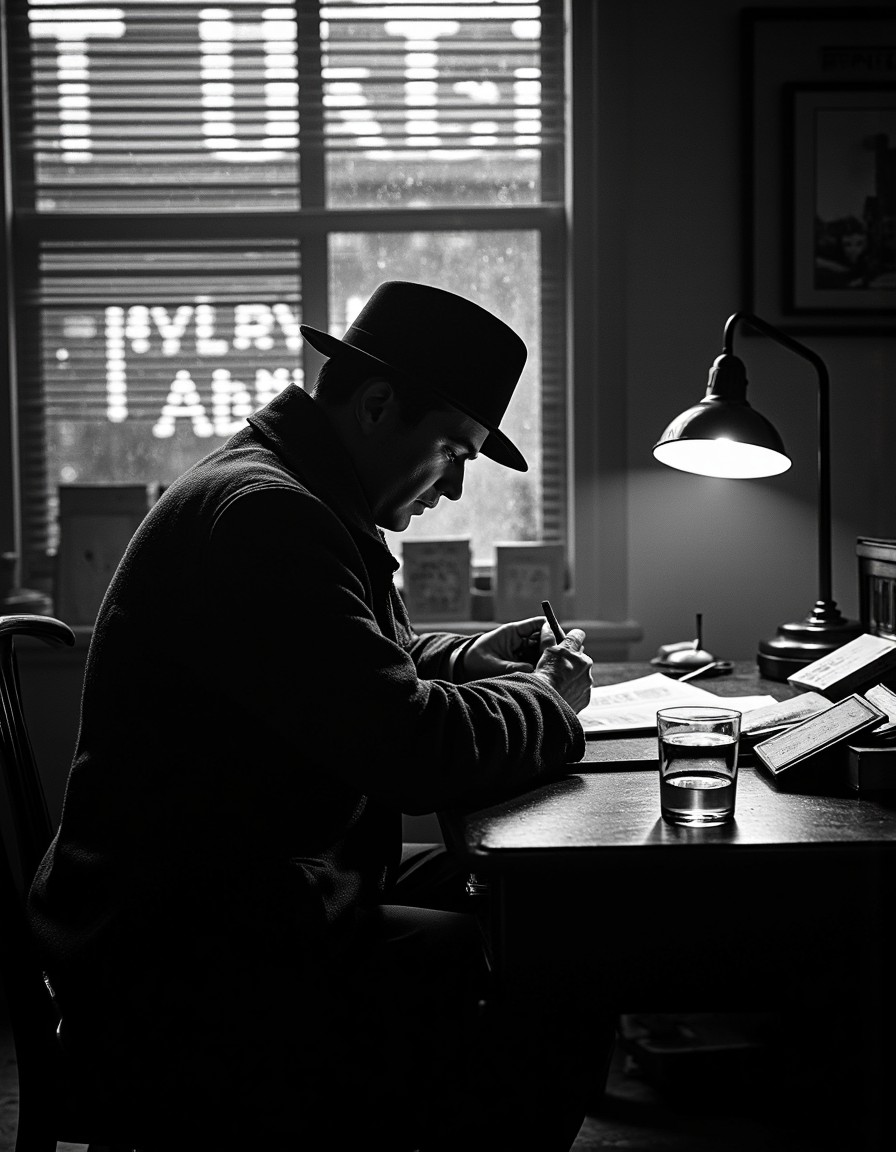
- Film Noir Black & White: Change "hyper‑realistic, 8k color" to "black and white, high contrast, grainy film stock" — the image gains classic noir drama, losing color but gaining timeless tension.
- Rain‑Soaked Alley: Move the scene from coastal highway to "a narrow, rain‑slicked alley in a bustling metropolis" — the ocean waves become distant traffic, and the lighthouse beams turn into street lamps.
- Stormy Seascape: Add "towering storm clouds, lightning flashes, and wind‑driven rain" — the atmosphere becomes tempestuous, turning the portrait into a dramatic survival scene.
Two Prompts Ready to Generate
Apply two of the variations above directly — both are tuned for Krea 2 at the settings recommended above.
Variation: Neon Noir — replace the natural lighthouse glow with vibrant neon signs to shift the scene into a cyberpunk night.
A glamorous young woman leans against a dark vintage car on a coastal highway at midnight, neon cyan and magenta signs reflecting on wet pavement, silver lighter flame casting warm highlights on her face, ocean waves in background, deep shadows, moody atmospheric lighting, shot on ARRI Alexa 65, 85mm Anamorphic lens, hyper-realistic, 8k
Variation: Film Noir Black & White — convert the image to high‑contrast monochrome for a classic noir aesthetic.
A glamorous young woman rests against a vintage car on a coastal highway at midnight, black and white high contrast, grainy film stock, silver lighter flame illuminating her face, ocean waves, lighthouse beams, deep shadows, cinematic noir, shot on ARRI Alexa 65, 85mm Anamorphic lens, hyper-realistic, 8k
More Nocturnal Portraits in This Direction
Other prompts in this category explore similar moody lighting and dramatic settings from different angles: