

Dappled Light Through Olive Leaves: The Anatomy of an Italian Editorial
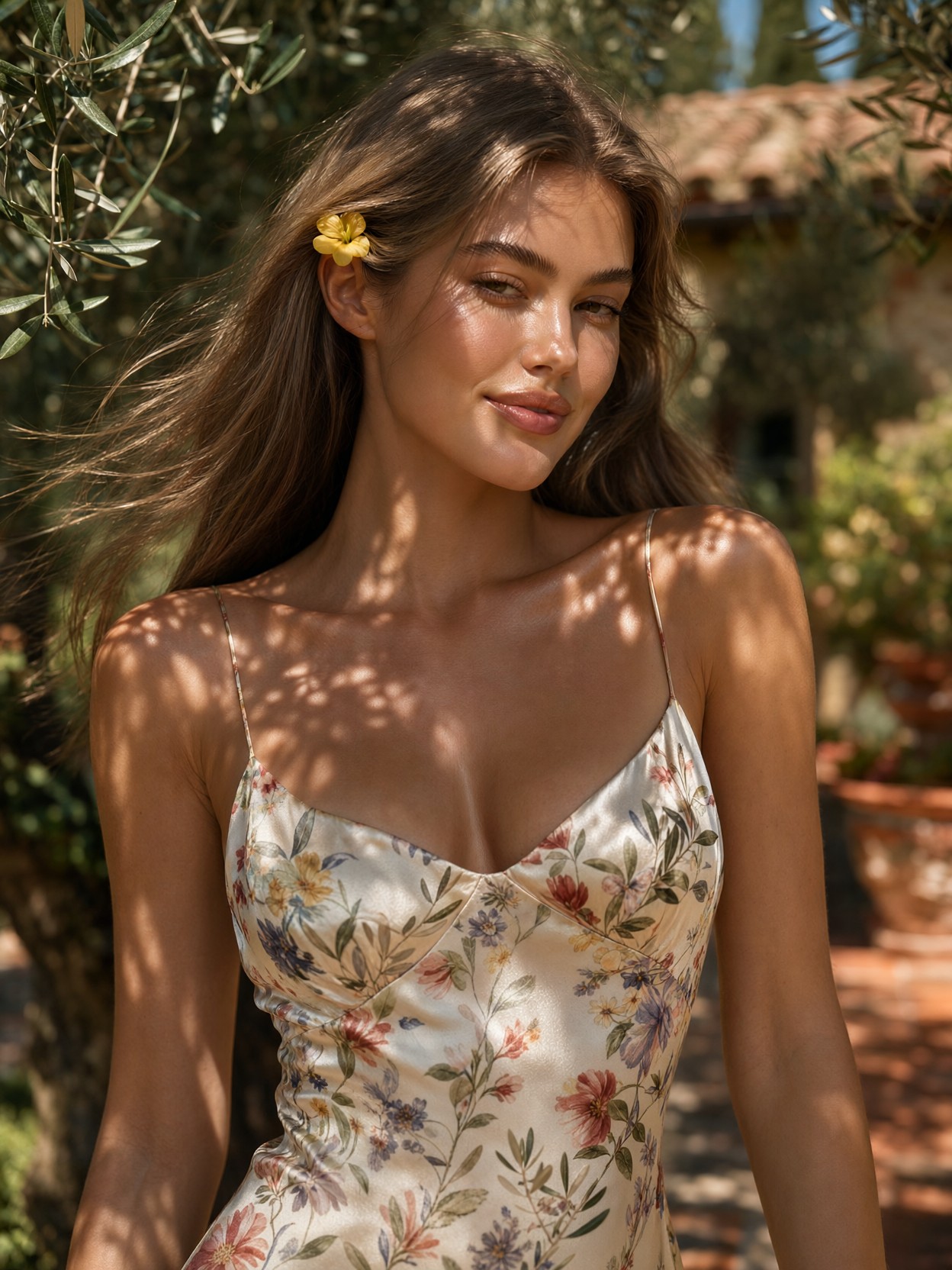
Few lighting scenarios flatter a portrait like sunlight filtered through olive foliage — and this prompt leans into it fully. The dappled pattern isn't just background atmosphere: it lands directly on the collarbones and shoulder, turning skin into the editorial's real subject. Qwen 2.1 handles this beautifully, thanks to its lifelike portrait lighting and native 2K resolution that keeps fabric weave and skin pores intact at full size.
The styling details do quiet work too — the spaghetti-strap silk dress, the yellow flower tucked behind the ear, the terracotta-and-green bokeh — all grounding the image in a specific place: an Italian estate in high summer, shot as if on a Leica SL2 at f/1.2. The result is warm, tactile, and unmistakably editorial rather than snapshot.
Fashion Lookbooks, Summer Campaigns, and Mood Boards
Chest-up portraits with natural skin texture and believable light are exactly what fashion lookbooks, resort-wear campaigns, and beauty brand mood boards need — and commissioning this kind of photography on location is costly. This prompt delivers the same feel without a flight to Tuscany.
Stick with a 3:4 portrait ratio (1080×1440) to keep the framing intimate. Wider crops dilute the dappled-light effect on the skin, which is the image's signature. One caveat: the pastel-leaning LoRAs below will push the palette away from true summer warmth — drop them if you want the golden tones untouched.
Settings for Qwen 2.1 — Keeping Skin Real and Light Soft
Qwen 2.1's native 2K output means you can render at 1664×2496 for print-quality results without upscaling artefacts. Its portrait lighting bias rewards moderate guidance:
- CFG / Guidance:
3.0–3.5— higher values harden the dappled shadows and risk plasticky skin - Steps: 30 for final quality; 12 for fast composition previews
- Resolution:
1080×1440(3:4) standard,1664×2496for full 2K detail
Qwen 2.1 renders fine text and typography natively — add a small caption like "estate summer '25" on a terracotta sign and it will resolve cleanly, a rare bonus for editorial layouts.
Working with the Two LoRAs
- GPT style at
0.60— brings cinematic glow and iridescent warmth; at this weight it enhances the golden-hour feel rather than fighting it. Drop to0.40for a more photographic read - Grim Dark Glamour 80s at
0.60— adds shimmering silver highlights and high-fashion polish; if the pastel tones mute the summer warmth, lower to0.45
Together they create a glossy, slightly dreamlike editorial sheen — beautiful, but a deliberate departure from pure realism. For a true-to-camera look, run both at 0.30 or omit them entirely and let Qwen 2.1's native photorealism carry the image.
Five Ways to Rework the Olive Grove Shoot
5 Targeted Variations on This Italian Editorial
- Golden hour shift: Change "sun-drenched" to "golden hour, long warm shadows" — the light rakes lower across the face, shadows stretch, and the mood turns cinematic
- Move indoors: Replace "olive grove" with "sunlit villa interior, linen curtains, terracotta floor" — dappled light becomes window-filtered, the palette warms and tightens
- Swap the wardrobe: Change the silk sundress to "crisp white linen midi dress with rolled sleeves" — instantly shifts from resort glamour to understated Mediterranean minimalism
- Push the glamour: Raise Grim Dark Glamour 80s to
0.75and add "vintage gold jewellery, glossy lips" — the natural girl-next-door becomes an 80s fashion-house muse - Environmental wide shot: Change "chest-up portrait" to "full-body wide shot walking between olive rows, 16:9" — trades intimacy for a campaign-style establishing frame at
1664×928
Two Prompts Ready to Generate
Both examples below apply variations from the list above, tuned for Qwen 2.1 at the recommended settings.
Variation: golden hour shift — lower, raking light replaces midday sun for a warmer, more cinematic mood
Realism, high-end fashion editorial. Chest-up portrait of a young woman with soft natural makeup and a subtle smile in a sunlit olive grove on an Italian estate at golden hour, long warm shadows raking across her face, floral-print silk sundress with thin straps, small yellow flower tucked behind her ear, hair tousled by breeze, blurred terracotta and green foliage background, shot on Leica SL2, 50mm f/1.2, photorealistic skin pores, 8k
Variation: wardrobe swap to linen minimalism — understated Mediterranean styling replaces resort silk, with LoRAs reduced for a truer photographic look
Realism, high-end fashion editorial. Eye-level chest-up portrait of a young woman with soft natural makeup, strolling through a sun-drenched olive grove on an Italian estate, wearing a crisp white linen midi dress with rolled sleeves, dappled sunlight through olive leaves casting soft shadows across her collarbones, blurred terracotta tiles and green foliage, warm summer tones, shot on Leica SL2, 50mm f/1.2, hyper-detailed fabric weave, photorealistic, 8k
More Portraits in This Editorial Direction
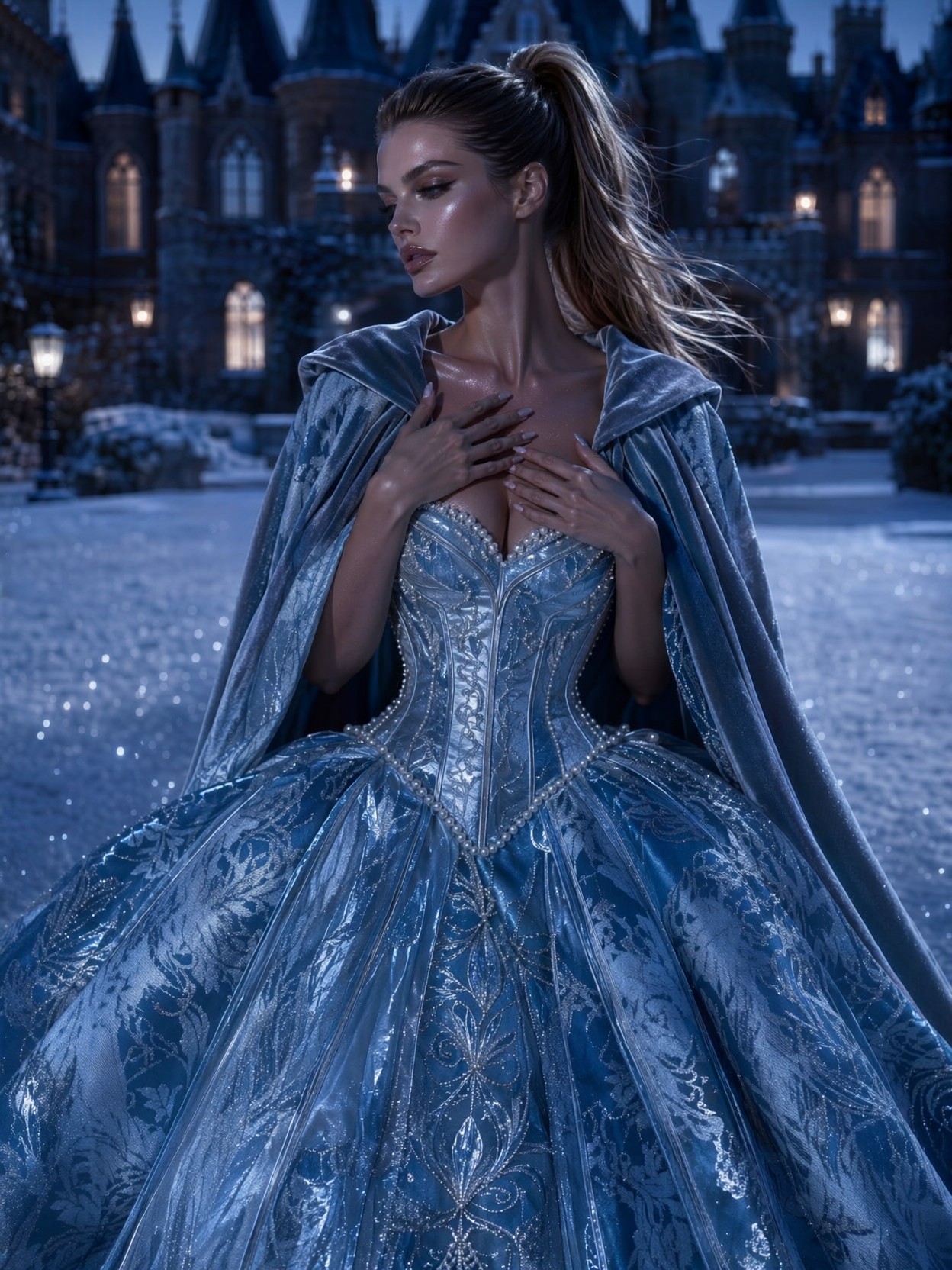
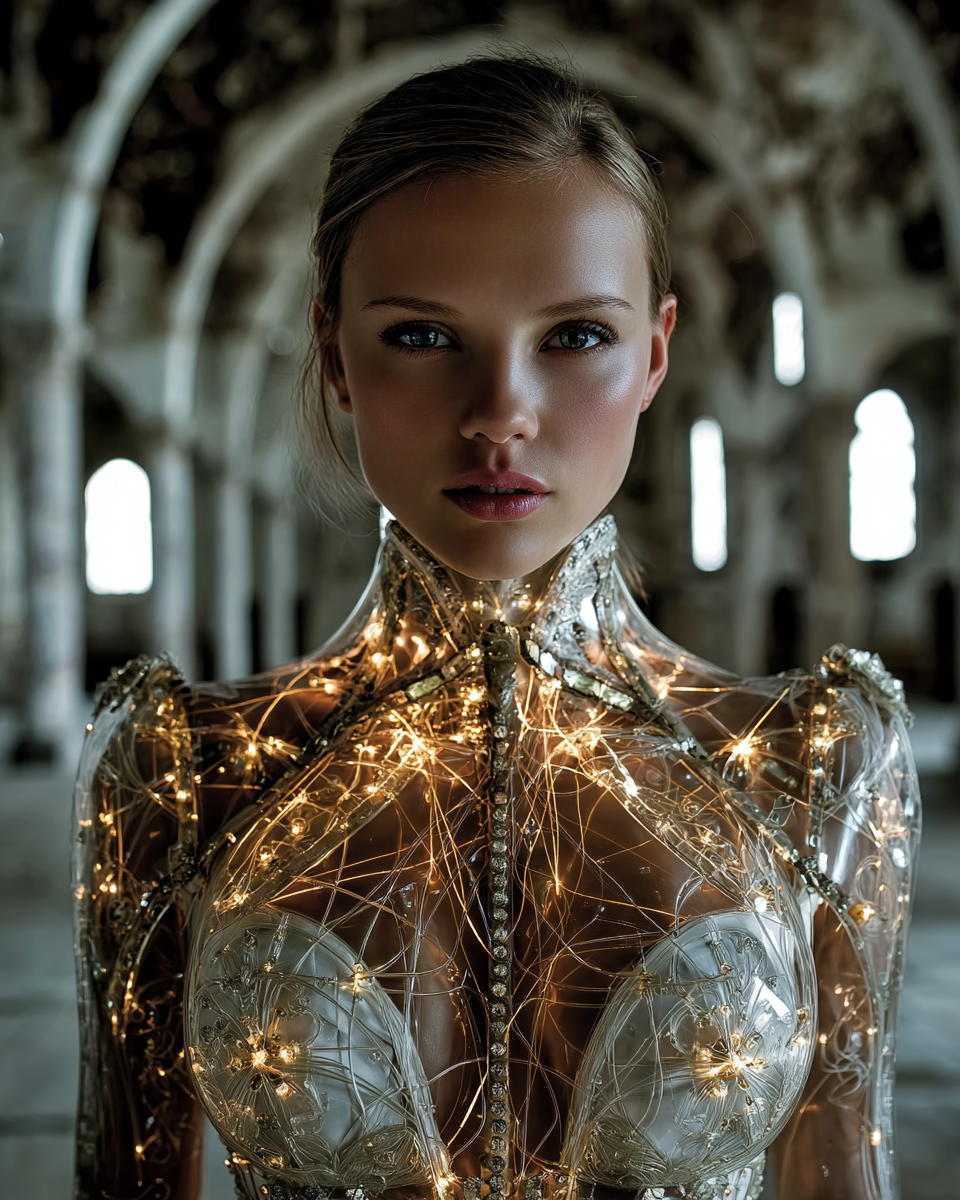
These prompts explore adjacent territory — luxury styling, fantasy glamour, and luminous atmosphere — each a different take on portrait craft: