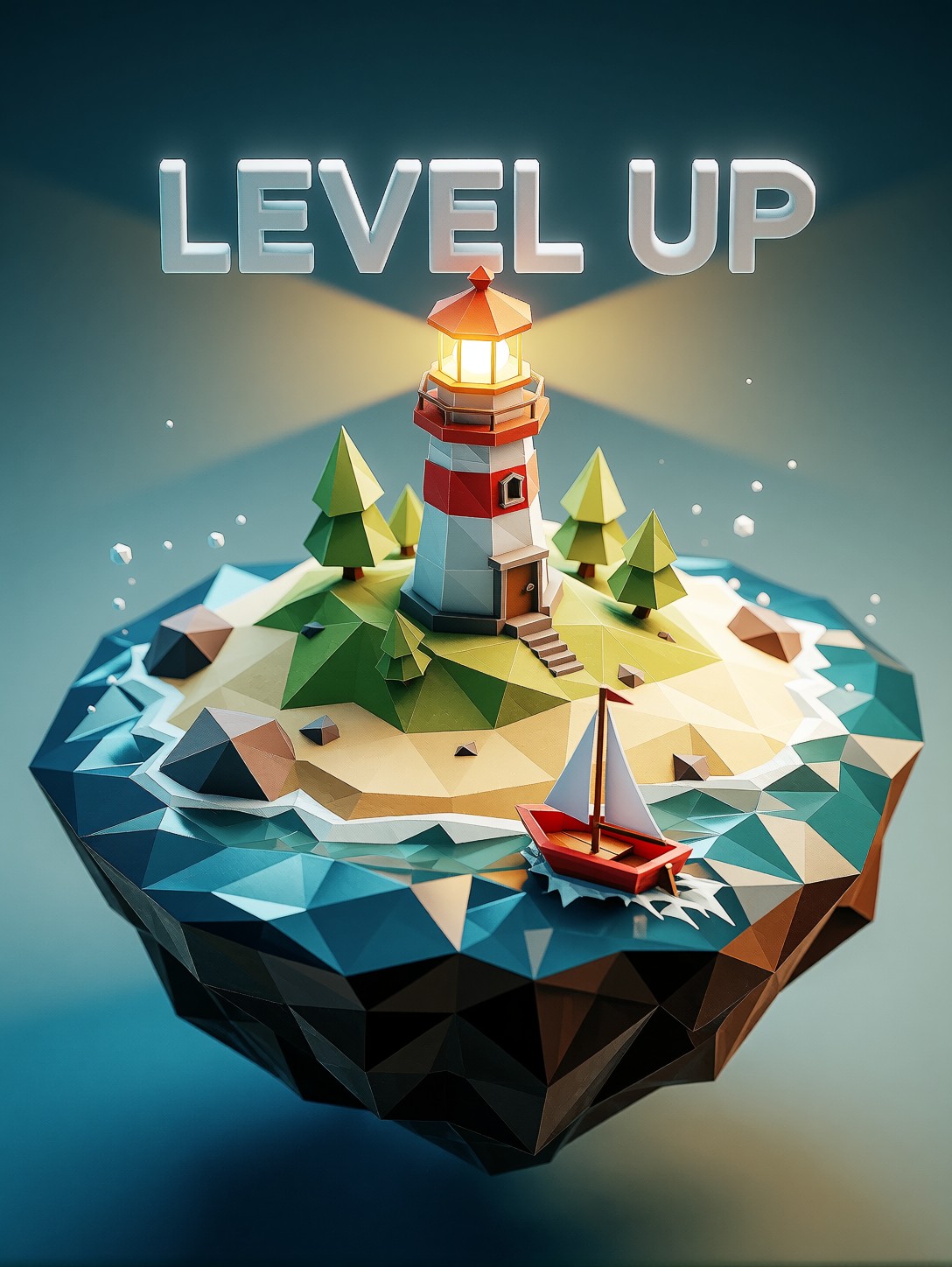
A LEVEL UP String Hovering in 3D Space: How This Game Asset Prompt Works
The most unusual element here is the "LEVEL UP" text — not a flat overlay stamped on top of the image, but a three-dimensional object with its own volume and perspective, hovering above the lighthouse like a UI element pulled out of the game engine and set free in the world. That is a specific rendering challenge: the model must give those letters clean geometric depth while keeping every other surface in deliberately faceted, low-poly geometry.
The floating island itself is a well-worn archetype in stylized game design — the kind of self-contained world you see in Monument Valley or Alto's Odyssey. The lighthouse with its glowing yellow beacon, the tiny red sailboat, and the blocky ocean waves below all read as a complete mini-environment. Pairing "Unreal Engine style" and "8k" with "low-poly" creates a productive tension: the geometry stays intentionally simple, but the lighting, shadows, and colour grading push toward high-end rendering quality. The result is less a rough game asset and more a polished piece of decorative art that happens to live in a game's visual language.
Where a Floating Island with a Glowing Beacon Actually Gets Used
Indie game studios need exactly this kind of hero image for store pages, launch trailers, and social media announcement posts. The floating-island-plus-text combination works as a standalone thumbnail, a loading screen illustration, or a key visual for a game's "new level" or "achievement unlocked" moment.
YouTube gaming channels and Twitch streamers can use it as a branded overlay or thumbnail element. UI/UX designers exploring 3D text treatments will find the clean minimalist font style a useful reference for how volumetric type sits inside a scene without competing with the subject.
For social media, a 1:1 square crop keeps the island centred and the text readable. For video thumbnails or banner art, go 16:9 and let the gradient background extend to the edges.
Tuning Proxima Aurelia 2 for Clean Game-Asset Rendering
Proxima Aurelia 2 is built on the Flux Schnell architecture, so standard Flux guidance values apply. Its stated strength — "exceptional aesthetics, intelligent composition, rich visual storytelling from even the simplest prompts" — means you should not over-prompt. The model's composition intelligence will place the island, text, and background elements well on its own. Your job is to specify the style and the text content clearly and let it handle the rest.
- CFG / Guidance:
3.0–3.5— keeps the low-poly geometry sharp without introducing noise or over-saturating the vibrant palette - Steps: 20–30 for full detail on the beacon glow and text edges; 12 steps is fine for a quick composition check
- Resolution:
1080×1080(square) for social media;1792×1344(4:3 landscape) for banner or thumbnail use;1344×1792for portrait cards
The "clean gradient background" in the prompt is doing important work here — it gives the model a simple, uncluttered backdrop so the low-poly geometry and the 3D text remain the visual focus. If the background starts getting busy across generations, add "solid two-tone gradient, no additional elements" to lock it down.
Five Concrete Ways to Shift This Island
5 Targeted Variations for the Floating Island Prompt
- Swap the text to a different game moment: Replace "LEVEL UP" with "VICTORY" or "NEW GAME" — the same 3D font treatment works for any short, all-caps game phrase. Keep it to two words maximum for clean rendering.
- Change the island's landmark: Replace "small lighthouse" with "a tiny wizard tower with a glowing purple crystal on top" — the island shifts from nautical to fantasy, and the colour palette naturally cools toward purples and teals.
- Warm up the palette for a sunset mood: Add "warm sunset sky, amber and coral gradient background, golden hour lighting" — the same geometry reads as peaceful and nostalgic instead of bright and playful.
- Add an isometric camera angle: Prepend "isometric view, 45-degree angle" — the island becomes a game-map-style composition, ideal for UI mockups or strategy-game key art.
- Change the scale contrast: Replace "tiny red sailboat" with "a small hot air balloon drifting past" — the balloon adds vertical movement and a second warm colour accent without cluttering the scene.
Two Prompts Ready to Generate
Both examples apply two of the variations above and are tuned for Proxima Aurelia 2 at the settings recommended. Each stays under 600 characters.
Landmark swap + text change — wizard tower replaces the lighthouse, "NEW GAME" replaces "LEVEL UP", hot air balloon adds a second focal point
Low Poly style, Game Asset rendering. A charming, stylized low-poly island floating in the air, featuring a small wizard tower with a glowing purple crystal on top, a tiny hot air balloon drifting past, and low-poly ocean waves below. Floating above the tower in a clean, minimalist 3D font is the white text "NEW GAME". Vibrant colors, sharp polygonal geometry, soft shadow rendering, clean gradient background, Unreal Engine style, 8k.
Sunset palette + isometric angle — warm amber tones shift the mood from playful to nostalgic, 45-degree view makes it read as a game-map composition
Low Poly style, Game Asset rendering, isometric view 45-degree angle. A charming, stylized low-poly island floating in a warm sunset sky, featuring a small lighthouse with a glowing amber beacon, a tiny red sailboat, and low-poly ocean waves in deep teal below. Floating above the lighthouse in a clean, minimalist 3D font is the golden text "VICTORY". Warm amber and coral palette, sharp polygonal geometry, soft shadow rendering, gradient background from peach to deep blue, Unreal Engine style, 8k.
More Low-Poly Worlds Worth Exploring
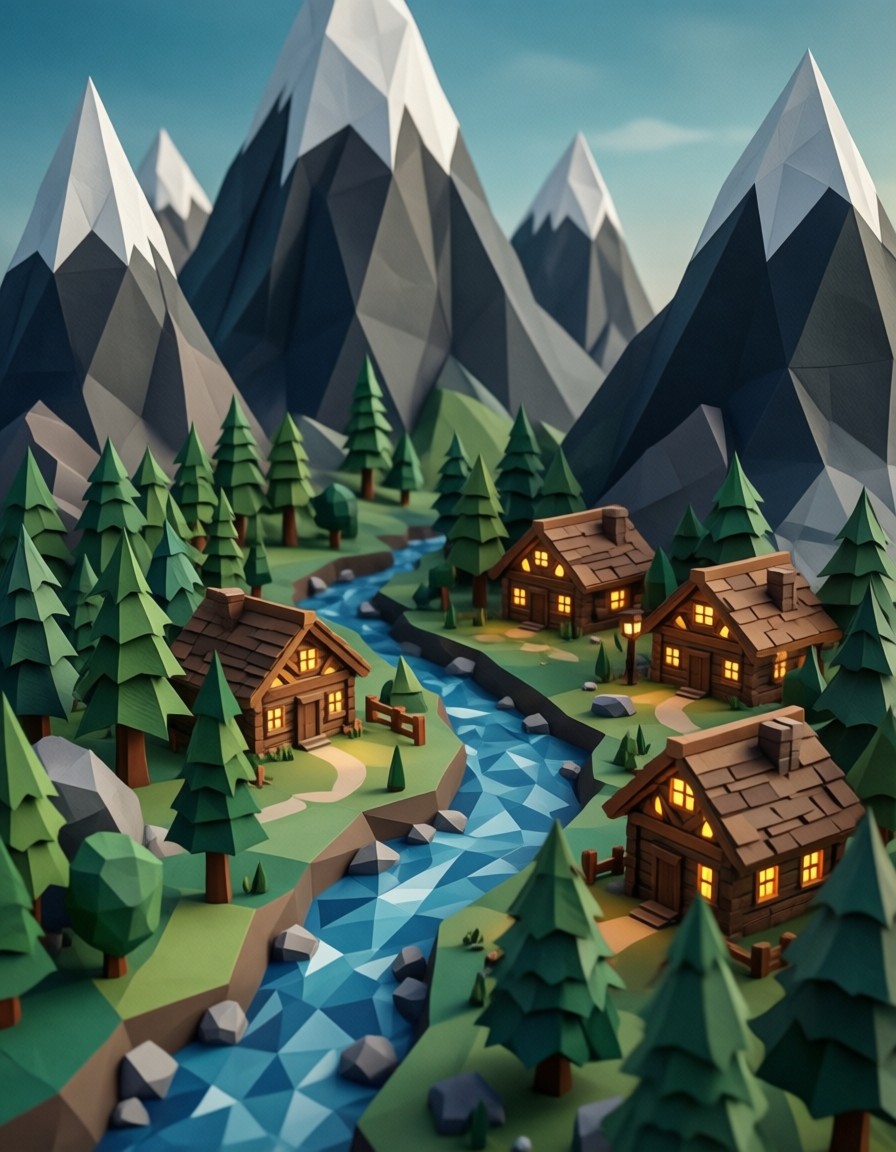
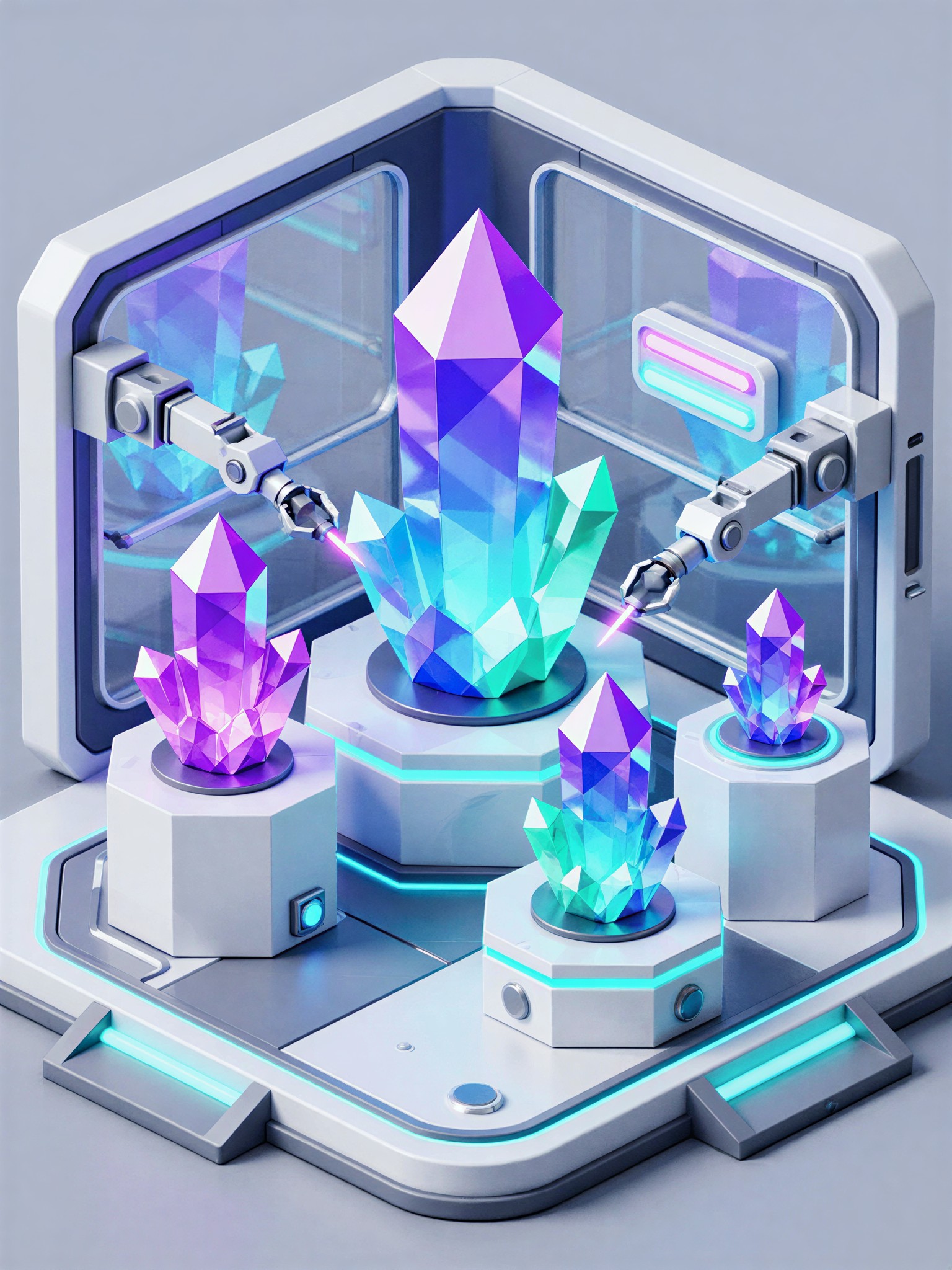
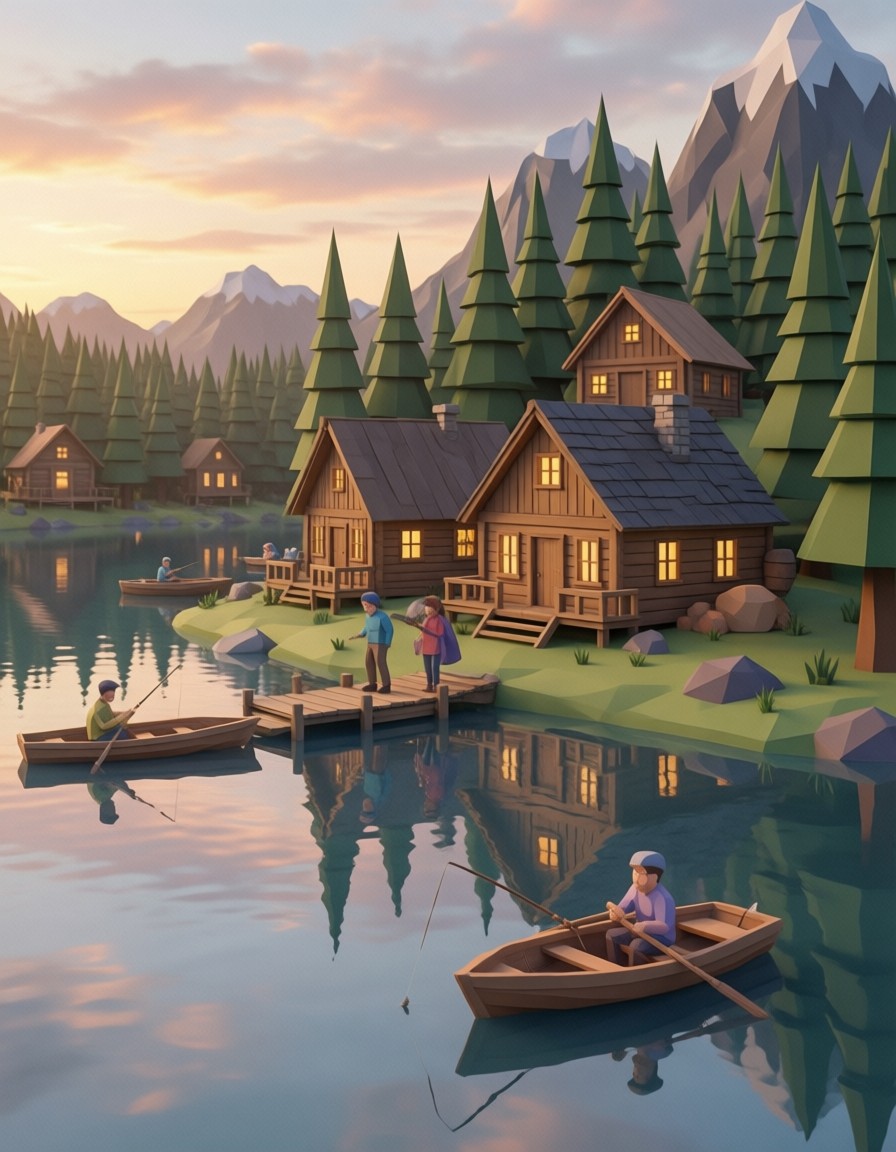
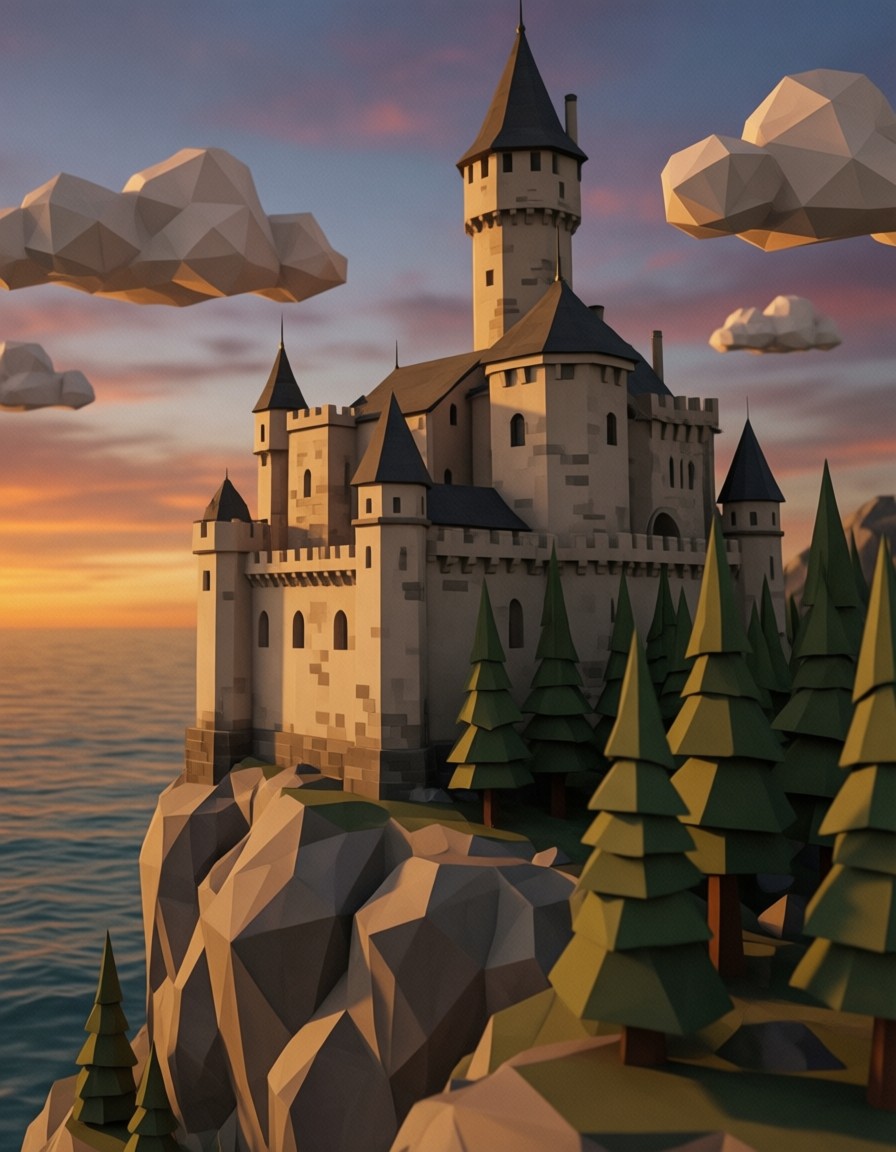
These prompts push the same stylized game-asset territory — different landmarks, different moods, different compositions — all in the low-poly language this prompt established: